
Imagine building a fully functional customer intake form or a project tracking tool without writing a single line of code. You don't need to hire an expensive developer, and you certainly don't need to spend months learning Python or JavaScript. This is the promise of vibe coding, which is a method where users describe their desired application in plain English, and artificial intelligence generates the complete codebase instantly. By August 2026, this approach has moved from a niche tech trend to a standard productivity tool for marketers, HR managers, and small business owners who want digital solutions on their own terms.
The term "vibe coding" gained mainstream traction in early 2024 when platforms like Lovable and Cursor began marketing specifically to non-technical users. It represents a fundamental shift in how we interact with technology. Instead of commanding computers with rigid syntax, you guide them with natural language. If you can write a clear email explaining what you need, you can likely build the app that fulfills it. This guide breaks down exactly how to start, which tools to use, and how to avoid common pitfalls so you can turn your ideas into working software today.
What Is Vibe Coding and Why Does It Matter?
At its core, vibe coding is asking an AI assistant to code an app based on simple language prompts. Unlike traditional programming, which requires understanding complex logic structures and debugging errors manually, vibe coding relies on large language models (LLMs) like GPT-4 and Claude to handle the heavy lifting. You provide the "what" and the "why," and the AI provides the "how."
This matters because approximately 92% of the global workforce lacks formal coding skills, according to the World Economic Forum. For decades, this meant that if a professional had a great idea for a workflow tool, they were stuck waiting for IT departments or paying high agency fees. Vibe coding democratizes this process. As Nicolle Weeks noted in her widely cited Substack guide, anyone can now create real applications using plain English instructions. The barrier to entry has dropped from years of study to minutes of prompting.
The market reflects this rapid adoption. By late 2025, there were over 23 specialized vibe coding platforms operating globally, with the sector growing at nearly 150% year-over-year. This isn't just about hobbyists making fun websites; it's about professionals solving immediate business problems. Whether you need a simple calculator for your sales team or a client portal for your agency, vibe coding offers a path to creation that was previously impossible for non-developers.
How Vibe Coding Works: From Prompt to Product
The process of creating an app through vibe coding generally follows a four-step cycle. Understanding this flow helps you manage expectations and iterate more effectively.
- Select Your Platform: Choose a tool that matches your comfort level. Some platforms hide all technical details, while others show you the generated code for educational purposes.
- Craft Precise Prompts: Describe your app's functionality in detail. Instead of saying "make a task list," specify "create a to-do list app where users can add tasks, delete them, and mark them as complete, with a dark mode toggle that saves preferences." Specificity is key.
- Iterate and Refine: The first version is rarely perfect. Use follow-up prompts to adjust colors, fix bugs, or add features. Think of it as having a conversation with a junior developer who needs clear direction.
- Publish and Share: Most modern platforms offer one-click deployment. You get a live URL you can share with colleagues or clients immediately.
Performance metrics show that simple applications generate in under 20 seconds, while more complex apps with user authentication take around 40 seconds. This speed allows for rapid prototyping. You can test five different variations of a landing page in the time it used to take to sketch one wireframe.

Top Platforms for Non-Technical Users in 2026
Not all vibe coding tools are created equal. Some are designed for absolute beginners who want zero friction, while others cater to users who want to learn how the code works. Here is a breakdown of the leading options available as of mid-2026.
| Platform | Best For | Key Feature | Pricing (Monthly) |
|---|---|---|---|
| Lovable | Absolute Beginners | One-click publishing, instant visual feedback | Free tier / $29 for Pro |
| Replit | Learning & Debugging | Shows generated code, educational "Learn" feature | Free / $20 for Advanced |
| Cursor | Transitioning to Code | Multi-model AI integration, structured courses | $20 / Educational Discounts |
| Base44 | Zero-Tech Backgrounds | Automatic infrastructure handling | Varies by plan |
Lovable currently leads the beginner segment with a 31% market share among new users. Its strength lies in simplicity. You upload a design image or type a description, and it builds the frontend, backend, and database connections automatically. However, it lacks deep customization options once the initial generation is done.
If you are curious about how things work under the hood, Replit is a better choice. It requires a bit more awareness of file structures, but it explains the code it generates. This makes it ideal for professionals who want to eventually move beyond pure no-code solutions. Cursor sits in the middle, offering powerful multi-model AI support (switching between GPT-4, Claude, and Gemini) and excellent debugging assistance, making it suitable for those who might collaborate with developers later.
Writing Better Prompts: The Secret to Success
The biggest mistake beginners make is being too vague. When you ask an AI to "make it look better," it doesn't know your taste. Successful vibe coders treat prompting like project management. You need to define scope, constraints, and deliverables clearly.
Here is a framework for writing effective prompts:
- Define the User Action: What should the user be able to do? (e.g., "Submit a contact form")
- Specify Visual Elements: Describe the layout and style. (e.g., "Use a clean white background with teal buttons and sans-serif fonts")
- State Data Requirements: Where does the data go? (e.g., "Save submissions to a Google Sheet via API")
- Include Edge Cases: How should the app handle errors? (e.g., "Show a red error message if the email field is empty")
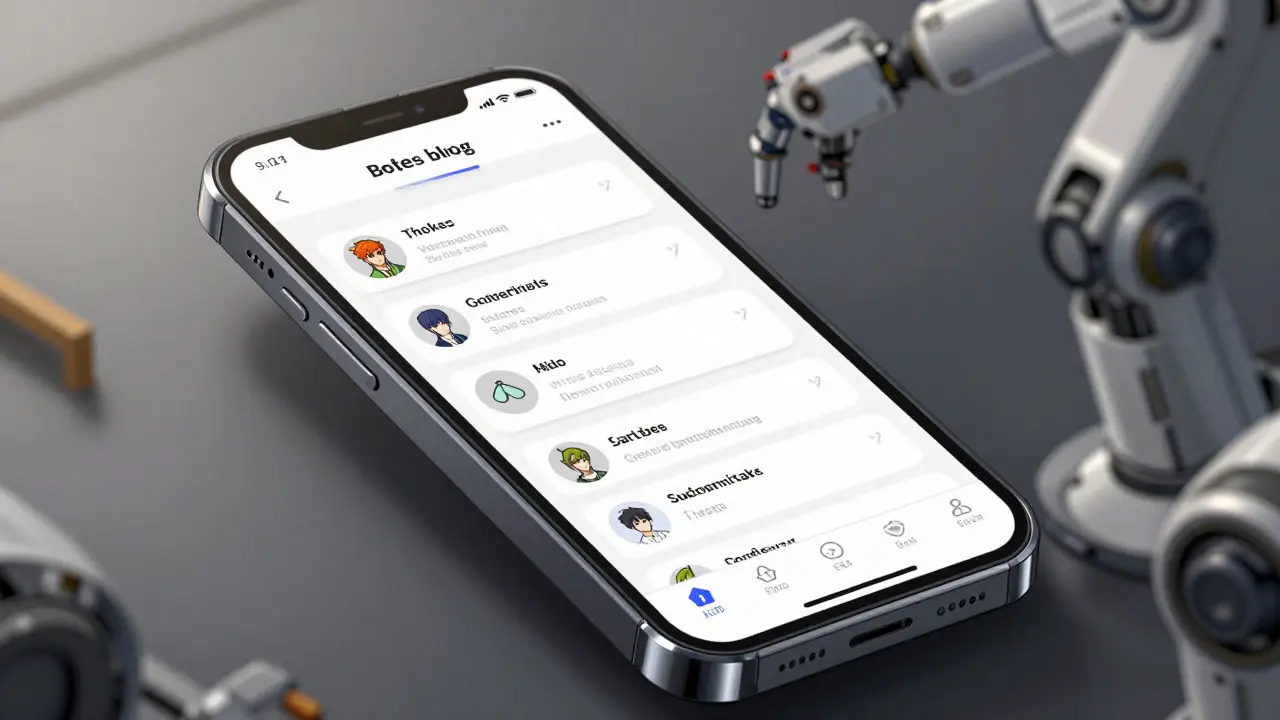
For example, instead of saying "build a blog," try: "Create a minimalist blog interface with a header navigation bar, a main content area for posts with titles and dates, and a sidebar for recent articles. Use a serif font for body text and ensure the layout is responsive on mobile devices." This level of detail reduces the number of iterations needed and produces a result closer to your vision.
Limitations and When to Call a Professional
While vibe coding is powerful, it is not a magic bullet for every problem. Industry analysts warn that these tools struggle with mission-critical applications requiring custom architecture. According to Gartner, there is a significant failure rate when non-technical users attempt to build enterprise-scale systems without guidance.
Common limitations include:
- Complex Integrations: Connecting to legacy corporate databases or proprietary APIs often requires manual coding knowledge that current AI models cannot fully abstract away.
- Debugging Ambiguity: When the AI generates incorrect code, identifying why it failed can be difficult if you don't understand the underlying logic. Replit addresses this partially with its educational features, but it remains a hurdle.
- Security Nuances: While platforms like Tempo offer SOC 2 compliance, beginner tools may lack granular security controls. Be cautious about storing sensitive personal data in apps built on free tiers.
If your project involves handling financial transactions, medical records, or complex regulatory compliance, consider using vibe coding for prototyping only, then handing off the final product to a professional developer. Dr. Alan Chen from MIT notes that vibe coding achieves high satisfaction rates for simple applications but drops significantly for complex workflows involving multiple integrated systems.
Getting Started: Your First Project
To start vibe coding today, you don't need any special hardware-just a modern web browser and a clear idea. I recommend beginning with Lovable if you have never touched code before. Sign up for a free account, and choose a simple project like a personal portfolio or a event registration form.
Start by describing the core function. Then, use the chat interface to refine the design. Ask for changes like "make the header sticky" or "add a confirmation popup after submission." Watch how the preview updates in real-time. Once you are happy with the result, click publish. You will receive a unique link you can share immediately.
Remember, the goal is not perfection on the first try. It is progress. Each iteration teaches you how to communicate better with the AI. Over time, you will develop a "vocabulary" of prompts that consistently produce the results you want. This skill-translating business needs into technical specifications-is becoming increasingly valuable in the workplace, regardless of your job title.
Do I need any coding experience to use vibe coding?
No, you do not need prior coding experience. Vibe coding platforms are designed for non-technical users. You interact with the system using natural language descriptions rather than programming syntax. However, having a basic understanding of how websites work (like knowing what a header or button is) helps you give better instructions.
Is vibe coding free?
Most major platforms like Lovable and Replit offer free tiers that allow you to build and host simple projects. These free plans usually have limits on storage, bandwidth, or advanced features. For professional use, private projects, or higher performance, you typically need a paid subscription ranging from $20 to $99 per month depending on the platform and complexity.
Can I use vibe coding for my company's internal tools?
Yes, many companies use vibe coding to build internal dashboards, intake forms, and workflow automations quickly. However, for tools handling sensitive employee or customer data, check the platform's security certifications (like SOC 2). Enterprise-focused tools like Tempo are better suited for strict compliance requirements than beginner-friendly platforms.
What happens if the AI makes a mistake in the code?
If the app behaves unexpectedly, you can often fix it by sending a follow-up prompt describing the issue (e.g., "The submit button is not working"). The AI will attempt to correct the code. If the problem persists, platforms like Replit allow you to view the generated code, which can help you identify specific errors or seek help from online communities.
How long does it take to build an app with vibe coding?
Simple applications like landing pages or to-do lists can be generated in under 20 seconds. More complex apps with user login and database connections may take 30-45 seconds to generate. The total time depends largely on how many iterations you need to refine the design and functionality. Most beginners build their first functional app within 20-45 minutes.
Art HND
It is just marketing hype repackaging basic low-code tools.
Elizabeth Brooks
i totally get what ur saying but i think its actually pretty cool for non tech ppl like me who just want to build a simple site without hiring someone expensive. i tried lovable last week and it was kinda fun even tho the buttons were all wrong at first. u just gotta be specific with what u want or else it gets confused lol. also replit is nice if u wanna see the code later which helps if u wanna learn stuff. dont let the haters stop u from trying it out its free to start anyway so whats the harm right? just make sure u save your work often cause sometimes the page crashes on me.
Deb Kortyna, MBA
While the enthusiasm is commendable, one must consider the long-term maintainability of such applications. The reliance on proprietary AI models creates a significant vendor lock-in risk that many organizations overlook in their initial excitement. Furthermore, the security implications of storing sensitive data on platforms that may not adhere to strict enterprise-grade compliance standards are non-trivial. It is imperative that professionals understand these underlying technical debts before fully committing to this workflow.
Brandon Olvera
Why do we need foreign AI doing our jobs when we have plenty of qualified American developers sitting idle? This is just another way to outsource cognitive labor to algorithms trained on global data while ignoring our own domestic talent pool. We should be supporting local coding bootcamps and traditional software engineering firms instead of relying on these fleeting trends. Real innovation comes from human ingenuity within our borders, not from prompting a machine that doesn't care about our economy.
Savara Gunn
I found it helpful to start small. Just try building a simple contact form first. It builds confidence.