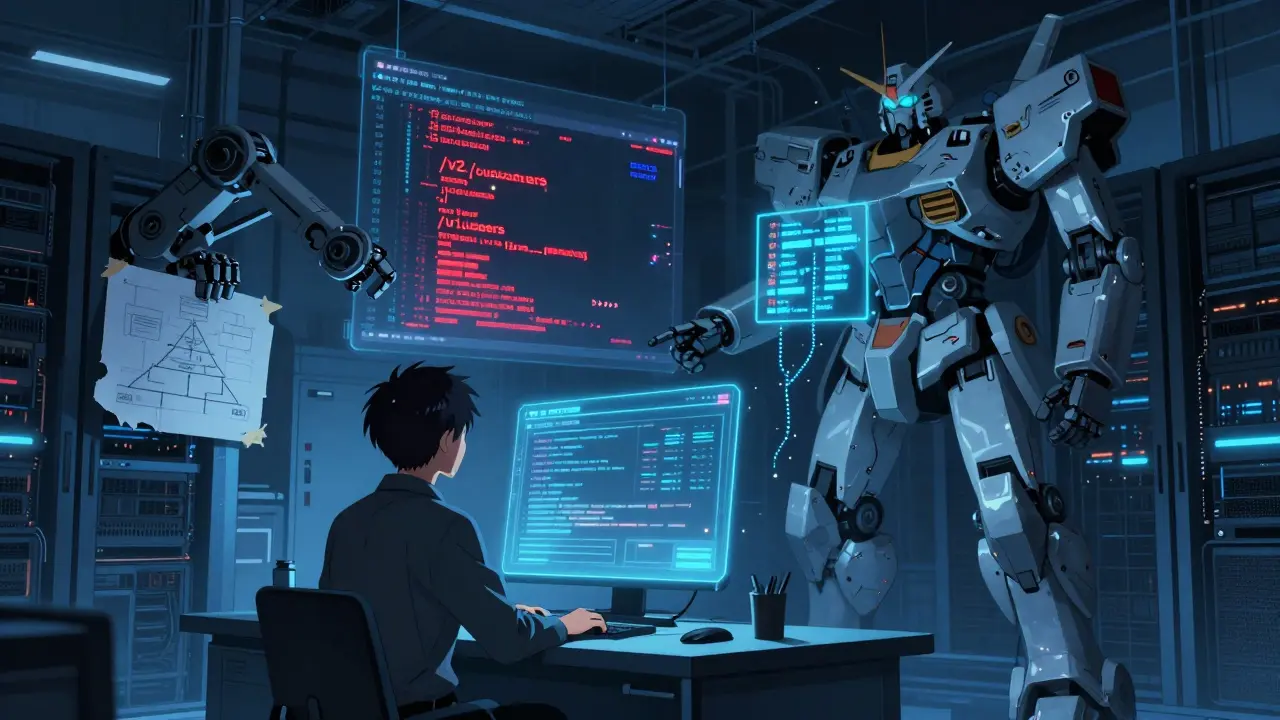
Imagine this: it’s 2 a.m. You’re debugging a production issue. You pull up the README. It says the API endpoint is /v1/users. But the code? It’s been /v2/customers for three months. The diagram in the wiki shows a three-tier architecture. The actual system? It’s a single service with a message queue. You waste two hours chasing ghosts - all because the documentation lied.
This isn’t rare. It’s normal. Teams spend hours every week fixing outdated docs. And it’s not just annoying - it slows down onboarding, increases support tickets, and creates hidden technical debt. The solution isn’t to write better docs. It’s to stop writing them manually.
Why Your Docs Are Always Out of Date
Documentation dies the moment it’s written. That’s not an exaggeration. When a developer changes a function name, updates an API response, or swaps out a database, they’re focused on making the code work. Updating the README? That’s a checkbox. And checkboxes get skipped.
According to GitHub’s 2023 State of the Octoverse, 78% of engineering teams say documentation sync is critical. But only 22% have automated it. The rest? They’re relying on human memory, Slack reminders, and hope.
Outdated docs don’t just mislead new hires. They mislead your entire team. A senior engineer might assume the diagram is right because it’s in the wiki. A junior dev might trust the README because it’s the first thing they see. Neither is safe.
The real problem? Documentation drift. It’s the gap between what the code does and what the docs say. And it grows faster than your codebase.
What Continuous Documentation Actually Means
Continuous documentation isn’t about automating PDF exports or pushing markdown to a website. It’s about making documentation a byproduct of development - not a side task.
True continuous documentation means:
- When you change an API endpoint, the README updates automatically.
- When you refactor a microservice, the architecture diagram redraws itself.
- When you add a new environment variable, the config section in the docs reflects it - no one has to remember.
This isn’t sci-fi. It’s happening now. Tools like ReadMe.io, DeepDocs, and Terrastruct are making it real.
DeepDocs, for example, uses AI to scan every commit. If you rename a function, it detects the change, finds the matching doc section, and proposes an update. It doesn’t just copy-paste - it understands context. Their June 2024 tests showed 89.7% accuracy in spotting mismatches between code and text.
And it’s not just text. Terrastruct’s GitHub Sync watches your diagram files (like Mermaid or PlantUML) and updates them hourly. If you change a service dependency, the diagram updates within 90 seconds. Error rate? Below 2%.
It’s not magic. It’s automation. And it works because it’s built into your CI/CD pipeline - not tacked on after.
How to Set It Up (Without Losing Your Mind)
You don’t need to buy a $300/month tool to start. You can begin today with what you already have: GitHub Actions and Markdown.
Here’s how a basic setup looks:
- Write your README in Markdown inside your repo.
- Use a GitHub Action like
apivideo/synchronize-readme-ioto push changes to ReadMe.io whenever you merge to main. - For diagrams, use Mermaid syntax in your Markdown. Tools like Convert 2 Mermaid API can turn that into SVGs on every commit.
- Store API keys in GitHub Secrets - never in code.
That’s it. No fancy AI. No complex setup. Just automation.
One team at Shopify did this in under 6 hours. Their API docs went from 68% accurate to 97% in two months. They didn’t hire a technical writer. They just stopped trusting humans to update files.
For diagram sync, try this: create a folder called /docs/diagrams. Put your Mermaid files there. Add a GitHub Action that runs every hour. If the file changes, it regenerates the SVG and commits it back. Now your diagrams live in the same repo as your code. No more “which version is right?” debates.

Tools Compared: What Works Best for You
Not all tools are built the same. Here’s how the top options stack up:
| Tool | Best For | Sync Type | AI-Powered? | Setup Time | Cost |
|---|---|---|---|---|---|
| ReadMe.io | Teams using external docs | Bi-directional | Yes (Smart Sync beta) | 4-8 hours | $299+/month |
| DeepDocs | Teams needing AI suggestions | Auto-propose updates | Yes (89.7% accuracy) | 6-10 hours | Free tier; enterprise from $1,200/month |
| Terrastruct | Diagram-heavy teams | Auto-update diagrams | No | 2-4 hours | Free; Pro at $99/month |
| GitHub Actions + Mermaid | Teams on a budget | Code-first sync | No | 1-3 hours | Free |
ReadMe.io is the most polished - great if you want a beautiful, hosted docs site with bi-directional sync. But it’s expensive.
DeepDocs is the smartest. It reads your code and suggests doc changes. But it’s noisy. It flags false positives 10% of the time. You still need to review every suggestion.
Terrastruct is perfect if your team lives in diagrams. It’s simple, fast, and reliable. But it won’t touch your README.
GitHub Actions + Mermaid? It’s free, open, and totally under your control. You’ll need to build the workflow yourself, but you own every part of it.
Where Automation Falls Short
Here’s the hard truth: automation can’t replace human judgment - not yet.
Tools are great at updating API endpoints, function names, and config keys. They’re terrible at explaining why a decision was made.
Michael Chen from Google Cloud put it bluntly: “Current tools get API docs right 92% of the time. But for architectural explanations? That drops to 63%.”
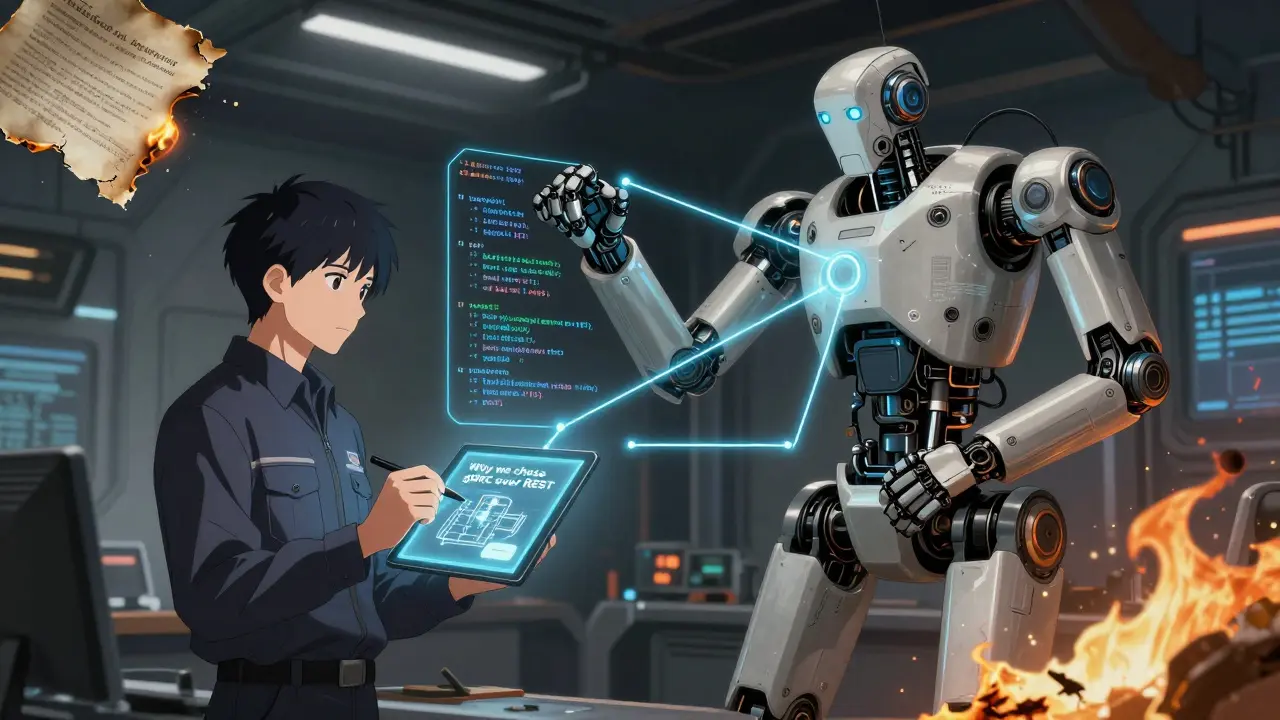
Why? Because changing a service from REST to gRPC isn’t just a code change. It’s a conceptual shift. The tool sees a new library import. It doesn’t know you’re abandoning scalability for latency. It can’t rewrite the paragraph that explains your trade-off.
A Stripe engineer shared a painful example: their tool updated parameter names correctly but left the surrounding text saying “this field is optional.” It wasn’t optional anymore. The doc became misleading - worse than if it had been unchanged.
So here’s the rule: automate the parts that change predictably. Leave the parts that need context to humans.
Use automation for:
- API endpoint paths
- Request/response examples
- Environment variables
- Dependency versions
- Diagram connections
Keep manual for:
- Design decisions
- Architectural trade-offs
- Onboarding narratives
- “Why we chose this over that” explanations
This hybrid approach cuts documentation time by 65%, according to Kinde’s 2024 report - without sacrificing clarity.
What Happens When You Do It Right
Teams that get this right see real results:
- 37% faster onboarding - new hires don’t waste days untangling lies.
- 29% fewer support tickets - no more “I read the docs and they were wrong.”
- 15 fewer hours per week spent on doc updates - that’s three full days a month.
And the morale boost? Unquantifiable. Developers stop dreading documentation. They start seeing it as part of the build - not a chore.
One team at a fintech startup told me: “We used to have a doc sprint every quarter. Now we don’t have doc sprints anymore. We just code.”
That’s the goal. Not perfect docs. Just accurate docs. Docs that match the code. Docs that you can trust at 2 a.m.
Where This Is Headed
By 2027, Gartner predicts 60% of enterprises will use some form of continuous documentation. But only 25% will get it right - meaning their docs are actually useful, not just updated.
The future isn’t fully automated docs. It’s AI-assisted docs. Tools will suggest changes. Humans will approve them. That’s the sweet spot.
GitHub is working on native sync features. ReadMe.io’s new Smart Sync can now update explanatory text with 82% accuracy. DeepDocs lets you train models on your team’s writing style.
But the biggest shift? Culture. Teams are realizing: documentation isn’t a task. It’s infrastructure. Just like tests. Just like CI/CD. You don’t skip tests. You shouldn’t skip docs.
Start small. Pick one README. Pick one diagram. Automate it. See how it feels. Then expand.
Because the cost of outdated docs isn’t just time. It’s trust. And once your team stops trusting the docs, they stop reading them. And then - they start guessing. And guessing is how outages happen.
Shivam Mogha
Just automated our README with GitHub Actions. 3 hours later, our onboarding time dropped by half. No more guessing at 2 a.m.
mani kandan
The elegance of this approach is in its quiet rebellion against the cult of manual upkeep. Documentation shouldn’t be a graveyard of forgotten markdown files-it should be the living pulse of the codebase. When the code breathes, the docs breathe with it. No more ‘update docs later’-because later never comes. This isn’t tooling. It’s cultural hygiene.
Rahul Borole
Implementing continuous documentation is not merely an operational improvement-it is a strategic imperative for engineering excellence. Organizations that persist in manual documentation practices are systematically undermining their own scalability, onboarding efficiency, and operational resilience. The data is unequivocal: automation reduces cognitive load, eliminates ambiguity, and fortifies institutional knowledge. It is time to treat documentation as first-class infrastructure, not an afterthought.
Sheetal Srivastava
Let’s be real-AI-generated docs are just glorified autocomplete for lazy devs who don’t want to think. You think a machine can explain why we switched from REST to gRPC? Please. It’ll just replace ‘optional’ with ‘required’ and call it a day. This is how you get compliance theater with 90% accuracy and zero context. We’re outsourcing our reasoning to algorithms that don’t even know what ‘trade-off’ means.
Bhavishya Kumar
There is a grammatical error in the post: 'It’s not magic. It’s automation.' Should be 'It is not magic. It is automation.' Also, the Oxford comma is missing in 'API endpoint paths, request/response examples, environment variables, dependency versions, diagram connections.' This undermines credibility. Precision matters.
ujjwal fouzdar
Think about it: we spend our lives building systems that outlive us. But we write docs like they’re post-it notes on a coffee mug. We’re not just documenting code-we’re leaving fingerprints on the future. Every outdated README is a tombstone for a decision no one remembers. And yet we keep pretending that ‘someone will fix it’ is a strategy. Maybe the real tragedy isn’t that the docs are wrong. It’s that we stopped caring enough to make them right.
Eka Prabha
Wait-so you’re telling me that if I automate my diagrams, I won’t have to explain to the CTO why we moved from monolith to microservices? That’s not automation, that’s a corporate conspiracy to erase accountability. Who’s going to take the blame when the AI updates the diagram but misses the fact that we’re using Kafka because we’re too scared to fix the DB? The docs will look perfect. The system will still be a dumpster fire. This is just digital gaslighting.
Bharat Patel
There’s something beautiful about treating documentation like a test. You don’t skip tests because they’re boring-you write them because you care about what happens when things break. Docs are the same. They’re not about looking good. They’re about not dying alone at 2 a.m. The real win isn’t the tool. It’s the trust. When your teammate doesn’t have to doubt the docs… that’s when magic happens.
Bhagyashri Zokarkar
i just tried the mermaid thing and it worked like a charm but like… why do we even have to do this? why cant companies just hire one person to update the docs and stop making us do extra work? i mean i get it but also its just so much. my brain is tired. and now i have to learn github actions and secrets and stuff? why cant it just be easy? i just want to code and not think about markdown files and svg generation and all this noise. why is everything so complicated now?