
When AI writes your code, can you still trust 80% test coverage? That number used to be the gold standard - the sweet spot where teams felt confident their software wouldn’t crash in production. But today, if your codebase is 30% or more generated by AI tools like GitHub Copilot or Amazon CodeWhisperer, that 80% target is dangerously out of date. The real question isn’t whether you should aim for higher coverage - it’s which parts need it, and why.
Why AI Code Breaks Differently
Human-written code follows patterns we understand. We know where we made trade-offs, where we cut corners, and where we might’ve missed an edge case. AI doesn’t think like that. It doesn’t have intuition. It generates code based on patterns in training data - and sometimes, those patterns are wrong, incomplete, or dangerously optimistic.For example, AI often generates clean-looking code that passes basic tests but fails silently in edge cases. A 2024 Codacy study found that 32% of AI-generated error-handling code doesn’t properly handle exceptions. Another study from Functionize showed that AI-generated code fails 47% of the time in untested error scenarios - nearly double the failure rate of human-written code. Why? Because AI doesn’t anticipate failure. It anticipates syntax.
That’s why blanket coverage targets don’t work. You can’t treat AI-generated authentication logic the same way you treat AI-generated UI buttons. One handles user data and compliance. The other just changes a button color. Mixing them under the same coverage rule is like using the same tire pressure for a truck and a bicycle.
What Coverage Numbers Actually Work
There’s no single number that fits all AI-generated code. But industry data from 2024-2025 gives us clear ranges based on risk level:- Low-risk AI code (UI components, boilerplate, repetitive CRUD): 75-85% coverage. These are the parts that AI excels at - simple, predictable, low-consequence code. You don’t need 95% here. You need enough to catch obvious breaks.
- Medium-risk AI code (API integrations, data transformations, non-critical business logic): 85-90% coverage. This is where things start to get tricky. A misordered API call or a flawed data filter can cause cascading issues. Here, branch coverage matters more than line coverage.
- High-risk AI code (financial calculations, security logic, regulatory compliance, authentication): 95-98% coverage. This isn’t optional. A 2024 case study from a healthcare SaaS company showed a 63% drop in production bugs after enforcing 95%+ coverage on AI-generated compliance logic. One retail company lost $2.3M during a holiday sale because AI-generated pricing logic didn’t handle boundary conditions. That’s not a bug - it’s a business failure.
Dr. Elena Rodriguez from Carnegie Mellon puts it plainly: "Coverage percentage alone is misleading. You need 95%+ on AI-generated validation logic and error handling specifically." That’s the rule of thumb: if the code touches money, identity, safety, or compliance - go for 95% or higher.
Coverage Isn’t Enough - You Need Mutation Testing
Here’s the scary part: you can have 95% coverage and still have no confidence in your tests. How? Because your tests might not actually be testing anything meaningful.Imagine you write a test that checks if a function returns true when given valid input. The AI-generated function works - it returns true. Your test passes. But what if the function also returns true for invalid input? Your test didn’t catch that. That’s the flaw in traditional coverage. It tells you how much code ran, not whether it was correctly validated.
Mutation testing fixes this. It automatically changes your code - like flipping a + to a -, or reversing a condition - then runs your tests. If the tests still pass, your tests are weak. They didn’t catch the change. Industry experts like Graphite and Mammoth AI now recommend a minimum mutation score of 75% for AI-generated code. In practice, that means if you can’t break your code with a single logical tweak, your tests aren’t strong enough.
Functionize’s testGPT v3.0 (March 2025) even uses AI to predict which coverage gaps are most likely to cause production defects. It doesn’t just tell you what’s uncovered - it tells you what matters.
How to Start - A Practical 3-Step Plan
You don’t need to overhaul your entire testing pipeline overnight. Here’s how to begin:- Identify AI-generated code. Use tools like SonarQube (with its AI attribution feature, updated in Q1 2025) to flag code written by AI. These tools now identify AI-generated code with 92% accuracy. If you’re using GitHub Copilot, its v4.2+ version includes built-in AI attribution tags.
- Apply risk-based thresholds. Don’t treat all code the same. Use the ranges above: 75% for UI, 85% for APIs, 95% for financial or security logic. Automate this with SonarQube’s risk scoring - it now adjusts recommended coverage targets automatically based on code type.
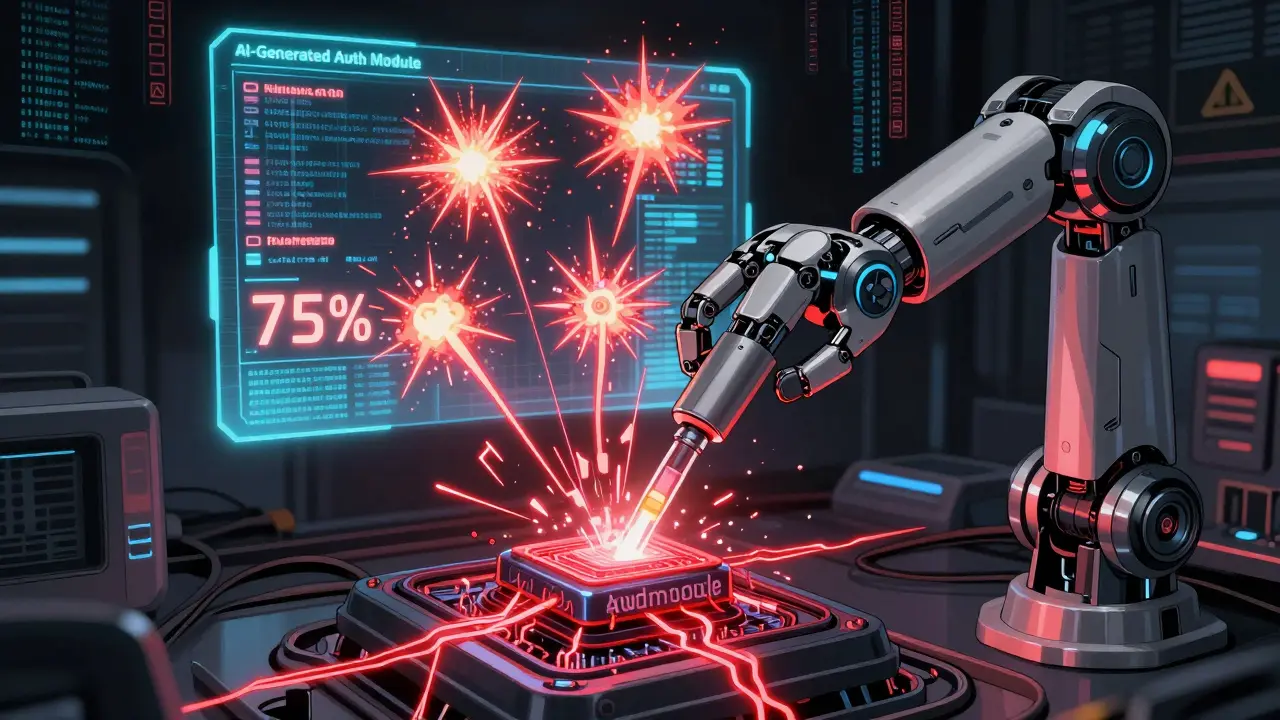
- Augment with AI-generated tests. Let AI help test AI. Tools like Functionize’s testGPT and Mammoth AI’s coverage analyzer generate tests specifically for AI-generated code. One user on Capterra reported that testGPT found 17 untested paths in their AI-generated auth module - paths human testers missed for six months.
Teams that followed this three-step approach reduced AI-related production bugs by 40-63% within six months, according to case studies from Selenium Conference 2024 and Mammoth AI’s client reports.
What Not to Do
Avoid these traps:- Don’t chase 100%. It’s not worth the cost. You’ll spend weeks writing tests for trivial code that adds no value.
- Don’t ignore path coverage. Line coverage says you ran the code. Path coverage says you tested all possible routes - including error flows, loops, and condition branches. AI code fails on paths, not lines.
- Don’t trust coverage as your only metric. A 95% coverage score with a 40% mutation score is a lie. You’re fooling yourself.
- Don’t apply the same rules to all departments. Finance and healthcare need 95%+ on AI code. Retail and media can get away with 85%. Regulatory pressure is real - the EU AI Act’s 2025 guidelines require enhanced validation for safety-critical AI components.
What’s Coming Next
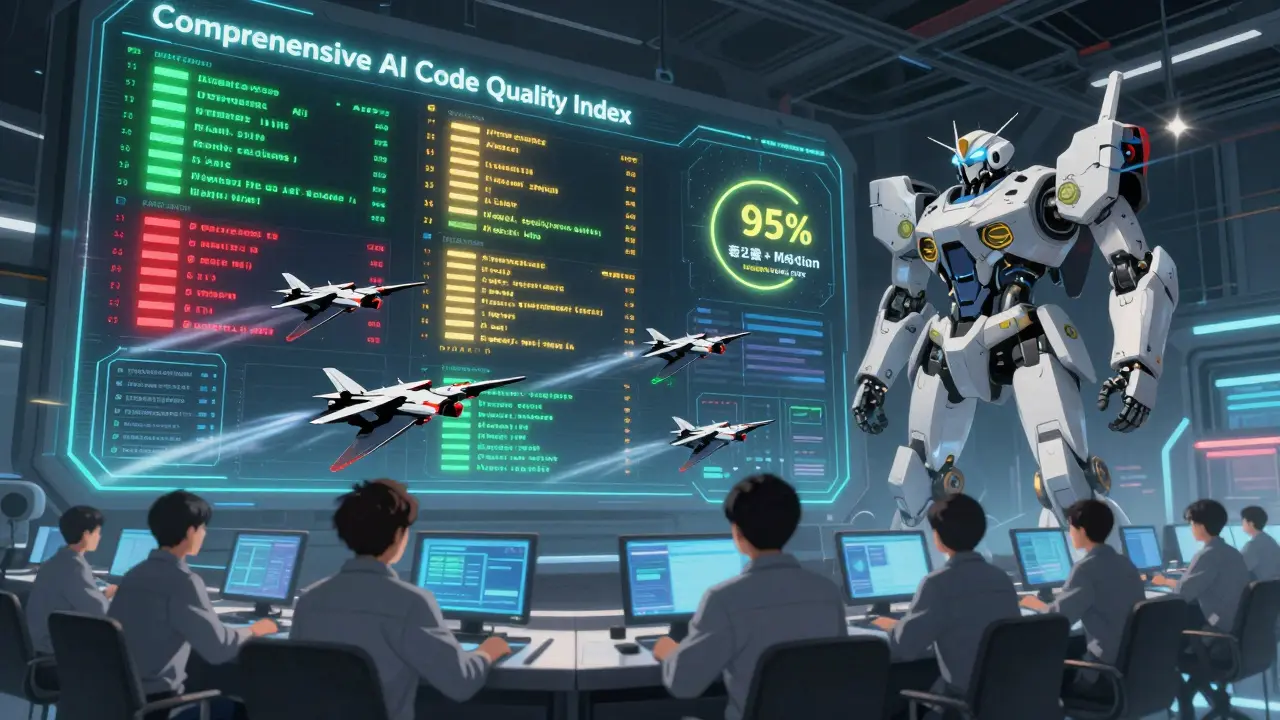
The future isn’t about percentages. It’s about intelligence.Microsoft announced at Build 2025 that Visual Studio 2025 will replace coverage percentages with a Comprehensive AI Code Quality Index. This new metric combines:
- Test coverage
- Mutation score
- Logical correctness checks
- Edge case risk scoring
Forrester predicts that by 2027, 70% of enterprises will use dynamic coverage targets - where the system adjusts the required coverage based on how risky the AI-generated code is. No more manual thresholds. No more guesswork.
Right now, the market for AI-assisted testing tools is growing at 34% per year. Gartner says these tools will make up 35% of enterprise testing spending by 2026. The tools are here. The data is here. The only question is whether you’ll adapt before your code breaks in production.
Is 80% test coverage still acceptable for AI-generated code?
No, 80% coverage is no longer sufficient for most AI-generated code. While it might work for low-risk components like UI elements, it’s dangerously inadequate for business logic, security, or financial code. Studies show AI-generated code fails 47% more often in untested error scenarios than human-written code. For critical systems, aim for 95%+ coverage. For non-critical code, 85% is a safer minimum.
Should I use mutation testing with AI-generated code?
Yes, mutation testing is critical. High coverage doesn’t mean your tests are good - it just means they ran. Mutation testing forces your tests to prove they can detect changes in behavior. Experts recommend a minimum mutation score of 75% for AI-generated code. Without it, you’re at risk of false confidence. Tools like Functionize’s testGPT and JaCoCo with PITest can automate this.
How do I know which parts of my code were generated by AI?
Use tools that detect AI-generated code. GitHub Copilot v4.2+ adds attribution tags to AI-generated lines. SonarQube’s Q1 2025 update identifies AI code with 92% accuracy. IDE plugins from JetBrains and Microsoft also flag AI-generated blocks. Once identified, you can apply risk-based testing rules to those sections.
Can AI help me write tests for AI-generated code?
Absolutely - and it’s one of the most effective approaches. Tools like Functionize’s testGPT and Mammoth AI’s coverage analyzer use AI to generate tests that specifically target common failure modes in AI-generated code, such as edge cases, boundary conditions, and error handling. One developer reported testGPT found 17 untested paths in their AI auth module that human testers missed over six months.
What’s the difference between line coverage and path coverage for AI code?
Line coverage tells you how many lines of code were executed. Path coverage tells you how many possible execution routes - including branches, loops, and error paths - were tested. AI-generated code often has hidden logic branches that look fine on the surface but fail under edge conditions. For example, a function might return the right value 90% of the time but crash on a null input. Line coverage won’t catch that. Path coverage will. For AI code, prioritize path coverage over line coverage.
Indi s
I've been using Copilot for a few months now and honestly, I didn't realize how many edge cases it missed until we had a bug in production. We thought 80% coverage was fine, but turns out the AI just copied patterns from Stack Overflow that weren't even correct. Now we tag AI code and set different coverage rules. 95% for anything touching user data. It's not perfect but it's way better than before.
Rohit Sen
95%? That's ridiculous. You're treating AI like it's a toddler who needs constant supervision. The real issue is not coverage-it's code review culture. If you're not pairing humans with AI output, no amount of coverage will save you. Also, mutation testing? That's just overengineering for engineers who think they're smarter than machines.
Vimal Kumar
I like how this breaks things down by risk level. We started doing this last quarter and it changed everything. UI code? 80% is fine. Auth and payments? 97%. We even automated the tagging so our CI pipeline blocks merges if AI code doesn't hit the right threshold. It's not about being paranoid-it's about being smart. Also, shoutout to testGPT, it caught a flaw in our pricing logic no human had seen in months.
Amit Umarani
The article uses "AI-generated code" as if it's a monolithic entity. This is sloppy. There's no such thing as "AI code"-there's code written by humans using AI tools. You can't assign risk based on generation method, only on function. Also, "mutation testing" is not a silver bullet. The term is misused here. You're conflating test quality with test coverage. Please stop using buzzwords without understanding them.
Noel Dhiraj
Just started using SonarQube's AI detection and holy cow it's eye opening. We found 300 lines of Copilot-generated code in our billing module that had zero tests. We fixed it in a day. Now we have a rule: if it's AI-generated and touches money, it gets reviewed by two devs and has 95% coverage. No exceptions. It's not magic but it's working. We're down 50% on production bugs since January.
vidhi patel
It is imperative to note that the article contains multiple grammatical inconsistencies and improper punctuation usage. For instance, the phrase "AI doesn’t think like that. It generates code based on patterns in training data - and sometimes, those patterns are wrong, incomplete, or dangerously optimistic." contains an incorrectly placed em dash. Furthermore, the term "mutation score" is not a standardized metric and should be replaced with "mutation coverage" to maintain technical accuracy. The entire argument is undermined by such linguistic negligence.
Priti Yadav
95% coverage? That's what they want you to believe. But here's the truth-they're hiding the real problem. AI-generated code isn't just buggy, it's being deliberately left untested so corporations can claim "automation" while shifting liability to developers. The EU AI Act? That's just a distraction. The real goal is to make engineers the scapegoats when AI fails. They know the tests are garbage. They just don't want you to know they know.