Imagine you have a stack of 500 invoices, each with handwritten notes, different fonts, and scattered tables. Ten years ago, you’d need a team of data entry clerks working for weeks to turn that into usable data. Today, you can upload them to a system and get clean, structured JSON in under an hour. This isn’t science fiction-it’s happening right now, thanks to OCR and multimodal generative AI.
What’s Changed in OCR? It’s Not Just Reading Text Anymore
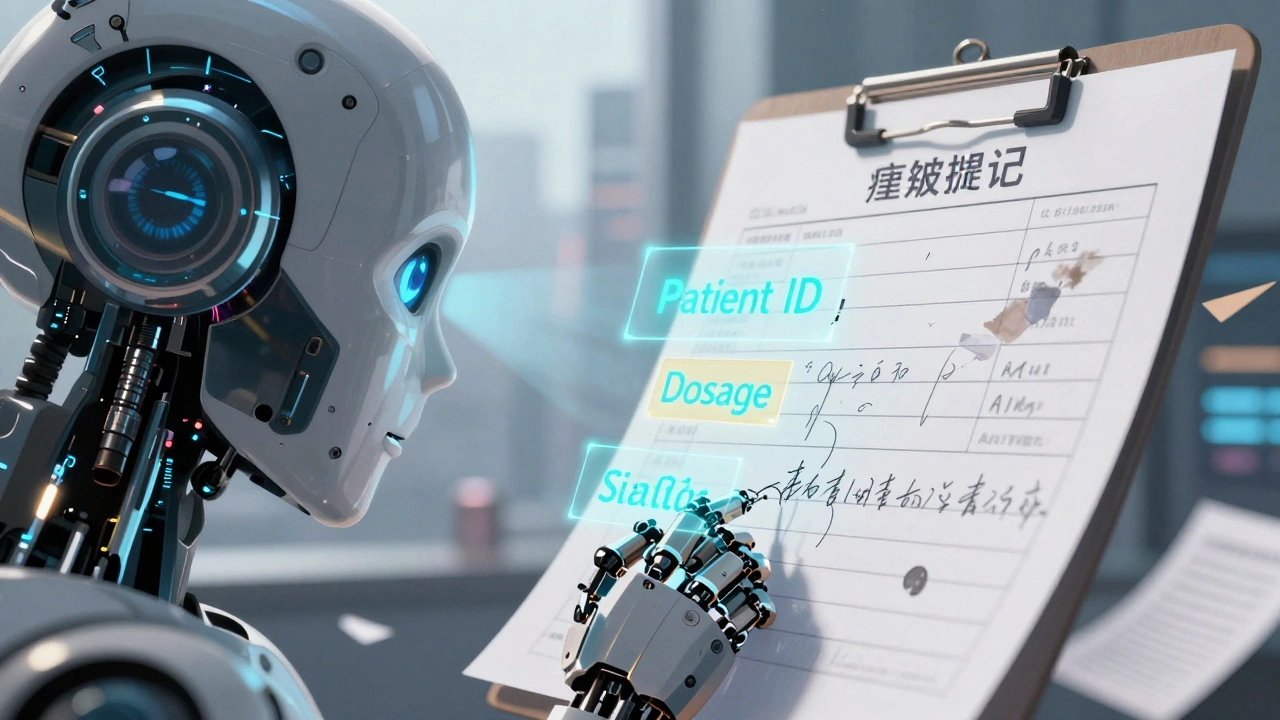
Traditional OCR tools like Tesseract have been around for decades. They work fine on clean, printed text-think scanned books or typed forms. But when you throw in a messy receipt, a faded contract, or a table with merged cells, accuracy drops below 70%. That’s because old OCR systems only see pixels. They don’t understand context. They don’t know if a number is a price, a date, or a phone number. Modern multimodal AI changes all that. It doesn’t just detect text. It understands what the text means based on its position, surrounding visuals, and even the type of document it’s in. A system like Google’s Document AI can look at a medical form and know that the box labeled "Patient ID" should contain a 10-digit alphanumeric code-even if the font is handwritten and slightly skewed. This isn’t magic. It’s a fusion of computer vision and language models. Vision-language models (VLMs) like GPT-4o and Gemini process both the image and the text together. They learn patterns: "This shape usually means a signature," "This block of text near a logo is likely a company name," "This grid of numbers is a table, not random numbers."How Do These Systems Actually Work?
Most modern OCR pipelines now use Transformer-based architectures like TrOCR. Unlike older systems that had separate steps for detecting text boxes and then recognizing characters, TrOCR does it all in one go. This cuts down errors and speeds things up. For printed text, accuracy hits 98.7%. For handwriting? It’s still a challenge-around 89.2%-but that’s better than anything we had five years ago. Here’s how it flows:- You upload an image or PDF.
- The system analyzes the layout: where are the headings, tables, signatures?
- It extracts text using OCR, but also uses context to label each piece: "This is the invoice number," "This is the due date."
- It outputs structured data-JSON, CSV, or directly into your database.
Who’s Leading the Pack? A Real-World Comparison
Not all tools are created equal. Here’s how the top players stack up based on real performance and pricing as of late 2024:| Platform | Accuracy (Standard Docs) | Accuracy (Handwritten/Complex) | Cost per 1,000 Pages | Custom Training Needed? | Best For |
|---|---|---|---|---|---|
| Google Document AI | 96-98% | 85-90% | $1.50 | Yes (5-10 samples) | Invoices, contracts, ID verification |
| AWS Textract | 92-95% | 75-80% | $0.015 (Analytic) | No (but limited customization) | Financial statements, forms |
| Microsoft Azure Form Recognizer | 90-94% | 78-82% | $1.00 | Yes (10-20 samples) | Microsoft ecosystem users |
| Tesseract (Open Source) | 94% | <70% | $0 | Yes (heavy tuning) | Simple, clean scans |
Google leads in accuracy and ease of customization. If you need to extract data from 10 different types of invoices, you can train a custom model with just five examples. AWS is cheaper for high-volume, low-complexity tasks. Azure integrates best if you’re already using Microsoft tools like Power BI or Dynamics 365.
The Hidden Problems: Hallucinations, Cost, and Messy Data
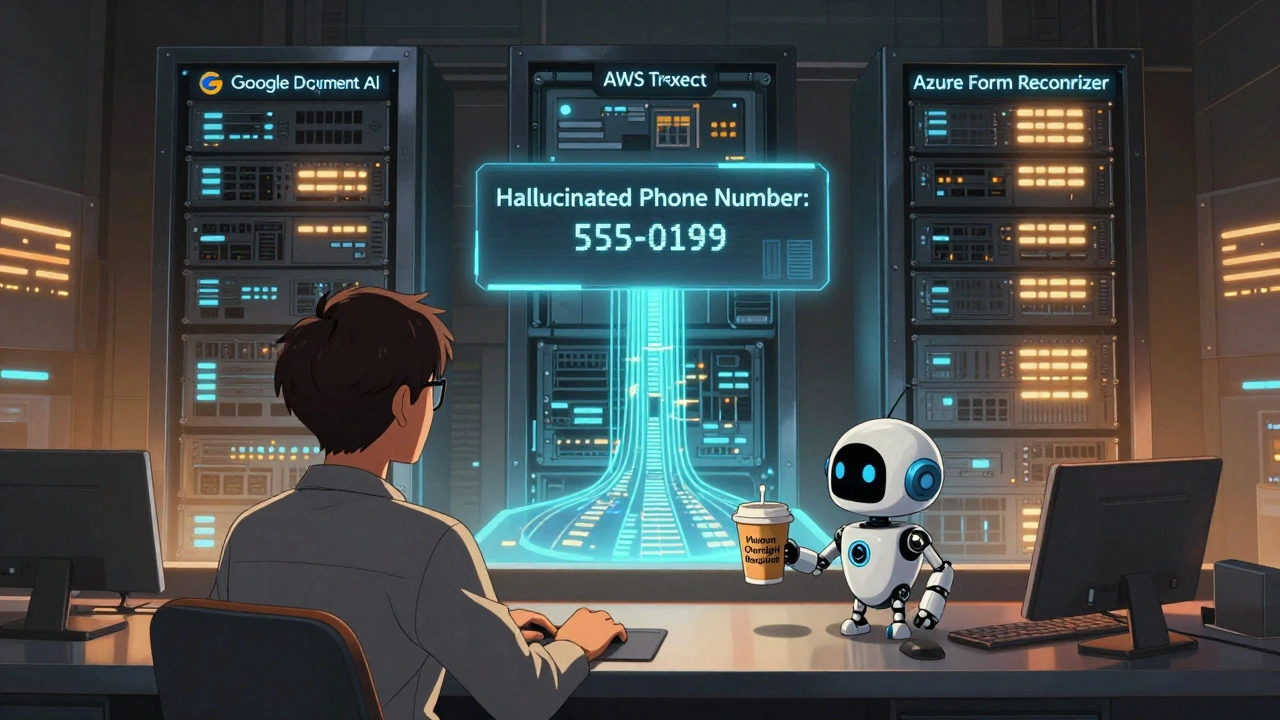
Don’t get fooled by the hype. These systems aren’t perfect. One major issue? Hallucinations. A study by Professor Emily Bender found that when processing 5,000 business cards with GPT-4o, 12.3% of the extracted data was completely made up-like fake phone numbers or incorrect company names. That’s not a small error. It’s a compliance risk. Then there’s cost. Multimodal AI uses 5-10 times more computing power than traditional OCR. That means higher cloud bills and a bigger carbon footprint. MIT Technology Review pointed out that running large multimodal models for document processing can emit as much CO₂ as driving a car for 20 miles per 1,000 pages. And what about documents that don’t follow the rules? IBM’s Docling system works brilliantly on standard tables-but if a financial report has a table that spans three pages with merged headers, it spits out unusable data. No AI can read your mind. If your documents are inconsistent, you’ll still need human review.What You Need to Build This Right
If you’re thinking about implementing this in your business, here’s what actually matters:- Start with clean data. Use OpenCV or similar tools to enhance image quality before feeding it into the AI. Fix lighting, rotate skewed pages, remove noise.
- Define your schema first. What fields do you need? Invoice number? Vendor name? Total? Build a JSON schema to validate outputs. This catches 80% of errors before they hit your system.
- Use small training sets. Google’s Document AI Workbench lets you train custom models with just 5-10 labeled examples. You don’t need thousands.
- Plan for manual review. Even the best systems need a human in the loop for edge cases. Budget 5-10% of time for corrections.
- Check compliance. If you’re in healthcare or finance, the EU AI Act (effective Feb 2025) requires you to explain how your AI made decisions. Choose vendors that offer explainability reports.
Most teams can get a basic pipeline running in 3-5 days using Google or AWS. Building a custom extractor with validation and error handling? That takes 2-4 weeks. But the payoff is huge: one company reduced invoice processing from 14 days to 4 hours, cutting labor costs by 70%.
What’s Next? The Road to Human-Level Understanding
The next big leap is in contextual reasoning. Google’s upcoming Gemini 2.0 integration with Document AI, set for Q2 2025, promises "near-human level understanding of ambiguous text." Imagine uploading a contract with a clause that says, "Payment due 30 days after delivery, unless otherwise agreed." A human knows that "otherwise agreed" might mean an email or signed amendment. Today’s AI doesn’t. Tomorrow’s might. AWS is also preparing Textract Generative, launching in March 2025. It will generate summaries, extract key terms, and even flag inconsistencies-like a contract where the total doesn’t match the line items. And the trend? More integration with RAG (Retrieval-Augmented Generation). Instead of just extracting data, AI will pull in external knowledge-like checking if a vendor name matches your approved supplier list-or cross-reference a date against a calendar to detect delays.Final Reality Check
Multimodal AI isn’t replacing humans. It’s replacing the boring, repetitive parts of the job. The person who used to spend all day typing in invoice numbers? They’re now validating outputs, handling exceptions, and improving the system. The companies winning here aren’t the ones with the fanciest AI. They’re the ones who combined AI with smart workflows, validation rules, and clear human oversight. If you’re still using manual data entry for documents, you’re not just slow-you’re at risk. By 2026, Gartner predicts 80% of enterprises will use multimodal AI for document processing. The question isn’t whether you should adopt it. It’s whether you’ll be early, late, or left behind.Can multimodal AI read handwritten text accurately?
Yes, but with limits. Modern systems like Google Document AI and GPT-4o achieve about 89% accuracy on clear handwriting, but performance drops to 70-75% on messy, cursive, or poorly scanned notes. For best results, use high-resolution scans and pre-process images to sharpen contrast and remove noise.
Do I need to be a data scientist to use these tools?
No. Platforms like Google Document AI Workbench and Azure Form Recognizer offer drag-and-drop interfaces for training custom models. If you can label a few fields in a document and upload a sample, you can build a working extractor. You don’t need to write code-but knowing Python helps if you want to automate workflows or integrate with databases.
What’s the cheapest way to start with OCR?
Use Tesseract for simple, clean documents-it’s free and open-source. But if your documents are messy, complex, or handwritten, the cost savings won’t outweigh the manual cleanup time. For under $50/month, Google’s free tier (1,000 pages) or Azure’s 500-page free tier are better starting points for real-world use.
Can these systems handle multi-page PDFs?
Absolutely. All major platforms-Google, AWS, Microsoft, and Snowflake-support multi-page documents. Some even preserve page order, headers, footers, and table continuity across pages. Snowflake’s Cortex AI, for example, has been used to extract data from 500-page technical manuals without losing structure.
Are there legal risks with using AI for document processing?
Yes. The EU AI Act (effective February 2025) requires transparency for AI systems used in legally binding decisions-like processing loan applications or payroll. If your AI extracts data that affects contracts, payments, or compliance, you must document how it works and be able to explain its outputs. Choose vendors that offer audit trails and explainability features.
How long does it take to see ROI from AI document processing?
Most companies see payback within 3-6 months. One logistics firm reduced invoice processing from 14 days to 4 hours, saving 120 hours per month. Another healthcare provider cut patient intake errors by 65% after automating form extraction. The key is starting small-pick one high-volume, repetitive document type-and scaling from there.
Zach Beggs
Honestly, I’ve been using AWS Textract for our monthly expense reports and it’s been a game-changer. No more midnight spreadsheets. Just upload, wait 30 seconds, and boom-data in our ERP. The cost per page is ridiculous compared to hiring temps. Only downside? It still messes up handwritten PO numbers. But hey, better than before.
Kenny Stockman
Man, I remember when we had to hire college kids to transcribe invoices. Paid them minimum wage and they’d still miss a decimal point. Now I just toss a PDF in Google Document AI and it gets it right even when someone scribbled ‘$2,499.99’ like they were trying to hide it. Still need a human to double-check the weird ones, but 90% of the grunt work? Gone. Feels like magic, but it’s just math.
Paritosh Bhagat
Let me guess-you all think this AI is some kind of miracle? 😒 I’ve seen the same ‘revolution’ every 5 years. Remember when ‘automated data entry’ meant macros in Excel? Then came OCR. Then came cloud OCR. Now it’s ‘multimodal AI’ with a fancy name. But guess what? Still gets 12% of phone numbers wrong. And you’re just gonna trust it with payroll? Please. The real innovation is people still believing tech will fix lazy processes. You’re not automating work-you’re outsourcing your responsibility to a black box that hallucinates.
Also, carbon footprint? You’re using AI to save 120 hours a month but burning more energy than a small village? That’s not efficiency. That’s guilt-tripping the planet so you can feel like a tech bro.
Ben De Keersmaecker
Interesting breakdown, especially on the hallucination rates. That 12.3% figure from Bender’s study is critical-most vendors don’t disclose that. I’ve tested GPT-4o on medical claim forms, and it kept inventing ‘ICD-10’ codes that didn’t exist. The system didn’t flag them as uncertain-it just confidently output nonsense. That’s not just an error; it’s a liability. I’d argue that accuracy percentages are misleading unless you also report confidence scores per field. And yes, pre-processing with OpenCV helps, but you still need a schema validator. I’ve built one in Python that rejects outputs outside a predefined regex pattern-cuts errors by 80% before human review. If you’re not validating, you’re not automating-you’re amplifying chaos.
Chris Heffron
LOL at the ‘$0 cost’ of Tesseract 😆 I spent 3 weeks trying to get it to read a blurry receipt. Ended up spending more time cleaning the output than if I’d just typed it. Also, ‘handwritten’ is not a monolith-my grandma’s cursive is a whole different language from a FedEx driver’s scribble. AI gets the former, fails at the latter. Still, way better than 2015. 🙌
Antonio Hunter
There’s a deeper layer here that isn’t being discussed: the erosion of institutional memory. When you automate document processing, you’re not just replacing clerks-you’re removing the people who noticed patterns over time. The guy who saw that Vendor X always used a different invoice format? He’d flag it before it became a problem. Now the AI just ingests it, and when it fails, no one knows why. You get efficiency, but you lose context. And context is what keeps businesses from making catastrophic errors. I’ve seen this happen in healthcare: AI extracted ‘diagnosis’ from a doctor’s margin note, treated it as a confirmed code, and triggered a billing error that took six months to untangle. The system was ‘accurate.’ But it was wrong. Because it didn’t understand the nuance. And that’s the real cost-not the compute power, not the CO₂-it’s the quiet, invisible knowledge that disappears when humans are pushed out of the loop.
Sarah McWhirter
So… you’re telling me the government isn’t using this to track your grocery receipts and predict your political views? 🤔
Aaron Elliott
While the technical exposition is superficially competent, it remains fundamentally deficient in addressing the epistemological implications of deploying probabilistic language models in domains requiring ontological precision. The conflation of pattern recognition with semantic understanding constitutes a category error of monumental proportions. One cannot, in good faith, assert that a neural network ‘understands’ a table merely because it reproduces its structure with statistical fidelity. The notion of ‘near-human-level understanding’ is a rhetorical sleight-of-hand designed to obfuscate the absence of intentionality, phenomenology, and grounded cognition. Until AI can experience the ontological weight of a contractual clause-rather than merely tokenize it-we are not automating document processing; we are automating delusion.