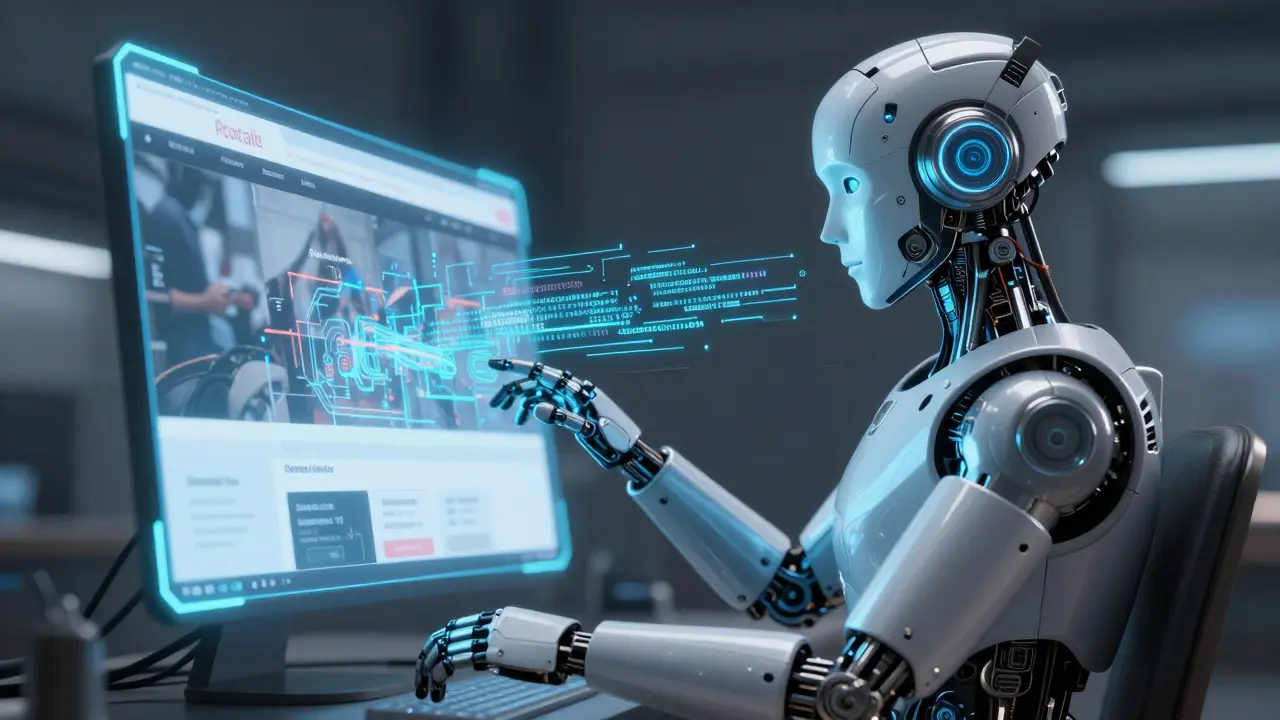
Imagine a blind user navigating a retail website. They rely on a screen reader to tell them what's on the page. If a product image lacks a description, the reader simply says "image," leaving the user in the dark. For years, we've relied on humans to manually write image-to-text generative AI descriptions, but the scale of the internet makes that nearly impossible. Now, multimodal AI is attempting to bridge that gap, turning pixels into meaningful prose in milliseconds.
But here is the catch: while these models can describe a sunset with poetic flair, they might describe a wheelchair ramp as a "decorative concrete structure." In the world of accessibility, a "pretty good" description isn't enough-it can actually be dangerous. If you're a developer or a business owner, you need to know where this tech actually works and where it fails miserably.
What Exactly is Image-to-Text AI?
CLIP (Contrastive Language-Image Pre-training) is a multimodal foundation model developed by OpenAI that aligns visual concepts with natural language. Unlike old-school tools that just looked for patterns, CLIP was trained on 400 million image-text pairs. It doesn't just "see" an object; it understands the relationship between a picture of a dog and the word "dog" in a shared mathematical space.
Then there is BLIP, which stands for Bootstrapping Language-Image Pre-training. While CLIP is great at matching images to text, BLIP is better at actually generating the text from scratch. It uses an image-grounded text encoder to inject visual data directly into the language model, which is why it often feels more "human" and accurate when writing captions.
To put it simply, these systems work in three quick steps: they encode the image into a vector, find the closest textual match in their training data, and then refine that match into a coherent sentence. It's a process that happens in about 2-3 seconds on high-end hardware like NVIDIA A100 GPUs.
Generative AI vs. Traditional OCR: What's the Difference?
People often confuse image-to-text AI with OCR (Optical Character Recognition). They aren't the same thing. If you use a tool like Google's Tesseract to scan a receipt, it's looking for letters and numbers. It's an extraction tool. If there's a picture of a coffee cup on that receipt, Tesseract doesn't care-it only wants the text.
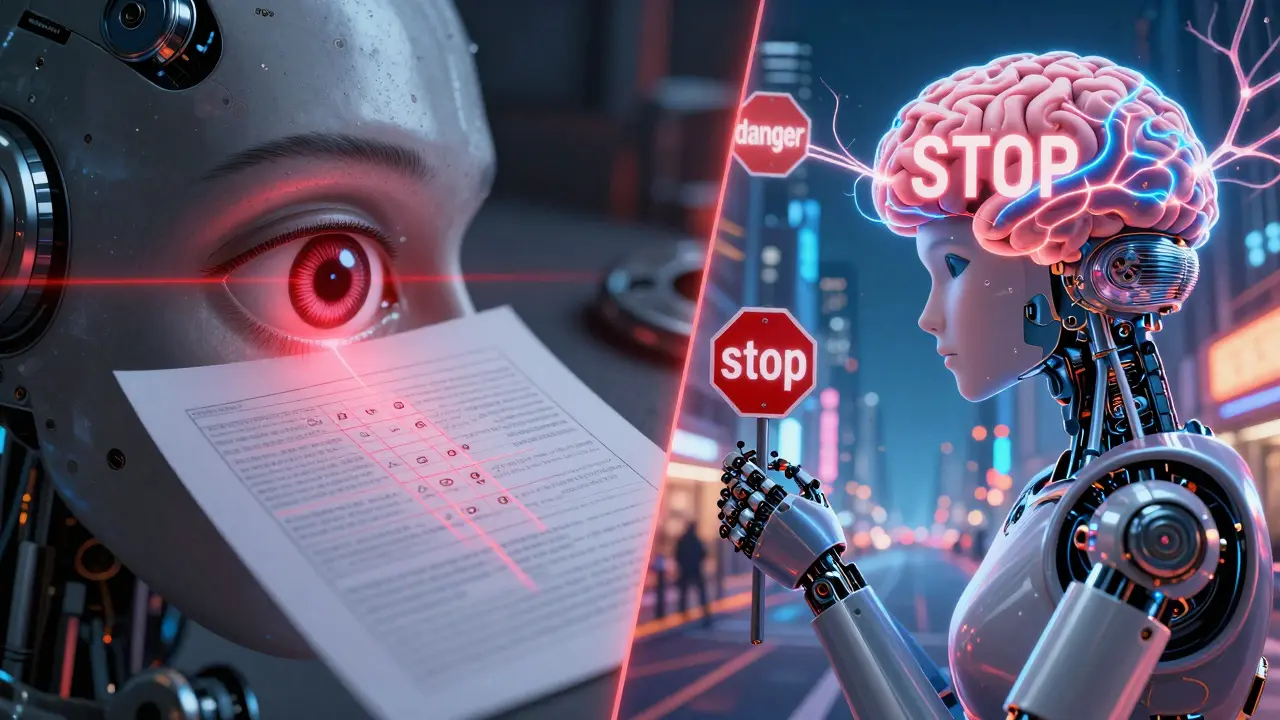
Generative AI, however, is about semantic understanding. It doesn't just read the words; it interprets the scene. While Tesseract might have 98.5% accuracy on clean text, a CLIP-based system is looking at the "vibe," the colors, and the context. The trade-off? Generative AI can hallucinate. It might see a red circle and call it a "decorative ornament" instead of a stop sign.
| Feature | Generative AI (CLIP/BLIP) | Traditional OCR (Tesseract) |
|---|---|---|
| Primary Goal | Semantic Interpretation | Character Extraction |
| Input Requirement | Zero-shot (no specific training) | Language-specific training |
| Best Use Case | Alt text, scene description | Scanning documents, PDFs |
| Main Weakness | Hallucinations, counting errors | Cannot describe visual context |
The Accessibility Paradox: Help or Hindrance?
The promise of automated alt text is huge. For e-commerce sites, it's a game-changer. Companies like Zalando have seen search relevance jump by 23% because they can now auto-tag thousands of products. But for accessibility, the stakes are higher.
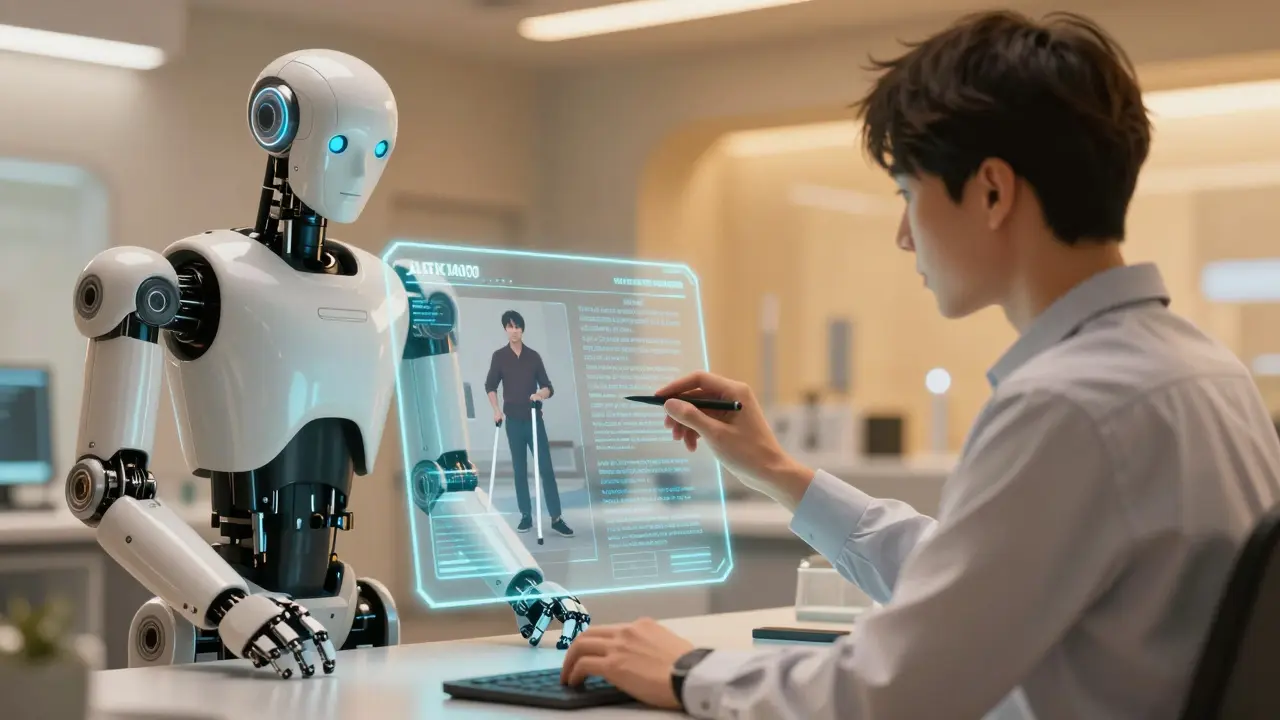
There is a documented "semantic gap." A model might describe a person's clothing perfectly but miss the fact that they are using a white cane, which is the most critical piece of information for a visually impaired user. Even more concerning is the bias. Research shows CLIP can have nearly 30% lower accuracy on images from non-Western cultures. If the AI isn't trained on diverse data, it creates a new kind of digital divide.
We've seen real-world failures where AI described a stop sign as a "red circle." For a designer, that's a funny glitch. For someone relying on a screen reader to navigate a physical space via a digital map, that's a safety risk. This is why experts like Dr. Fei-Fei Li argue that these models aren't ready for mission-critical tasks without a human in the loop.
How to Implement Image-to-Text for Your Project
If you want to build this into your own app, you can't just run it on a basic laptop. You'll need serious compute power-think NVIDIA T4 GPUs or larger with at least 16GB of VRAM. If you're using AWS, you're looking at p3.2xlarge instances, which cost around $3.06 per hour.
Here is a practical workflow for a responsible rollout:
- Model Selection: Use BLIP-2 or the newer BLIP-3 for better captioning accuracy than basic CLIP.
- Prompt Engineering: Don't just ask for a "description." Be specific. Tell the AI: "Write a concise alt text description for a screen reader, focusing on the primary object and its function."
- The Human Guardrail: Implement a mandatory review step. An internal audit of 2,500 images showed that some systems still have a 37% error rate on images containing people of color.
- Compliance Check: Ensure your output follows WCAG 2.1 (Web Content Accessibility Guidelines). Alt text should be descriptive but not redundant.
The Future: Where are we Heading?
We are moving toward "Accessibility-First" AI. Salesforce's BLIP-3 was specifically trained on the A11yCaption dataset to fix the errors we see today. We are also seeing a shift toward hybrid workflows. Instead of the AI writing the final text, it provides a draft that a human editor approves in one click. This saves about 60-70% of the manual effort while keeping the accuracy at 99%.
By 2027, we expect fully automated systems to hit a 98% reliability threshold for non-critical uses. But until then, the rule of thumb is: if the information is safety-critical, a human must see it first.
Can I fully automate my website's alt text with AI?
You can, but you shouldn't-at least not without a review process. While AI is great for bulk tagging, it still struggles with complex contexts and diverse demographics. For non-critical images, it's fine, but for product details or safety information, human oversight is essential to avoid misinformation.
What is the best model for image-to-text currently?
It depends on your goal. If you need to match images to existing labels, CLIP is the industry standard. If you need to generate descriptive captions from scratch, BLIP-2 or the newer BLIP-3 are superior because they are designed specifically for vision-language generation.
Does image-to-text AI help with SEO?
Yes, significantly. Search engines use alt text to understand what an image is about. By using AI to generate descriptive, keyword-rich alt text, you improve your image indexing and accessibility, both of which are positive signals for search rankings.
Why does AI struggle with counting objects in images?
Most multimodal models see the image as a whole (a global embedding) rather than counting individual items. Research shows accuracy often drops to 45% once an image contains more than five of the same object, as the model "guesses" the quantity based on the general scene rather than actually counting.
Is AI-generated alt text legal under the EU AI Act?
Under the provisional EU AI Act, AI systems used for accessibility may be classified as "high-risk." This means they may require stricter conformity assessments and transparency logs to ensure they aren't discriminating against users or providing dangerous misinformation.
Anand Pandit
This is a fantastic breakdown of where we stand with multimodal AI. For anyone starting out, I'd suggest looking into the Hugging Face transformers library to experiment with BLIP-2 since it's quite accessible for developers. It's really heartening to see the focus on the 'Human Guardrail' because that's how we truly bridge the gap between tech and empathy. Keep pushing for these accessibility standards!
rahul shrimali
totally agree on the human check keep it real
Reshma Jose
Spot on about the semantic gap. I've seen this firsthand in a couple of projects and honestly, the bias in CLIP is a massive headache. We need to stop treating AI as a magic wand and actually do the work of auditing these datasets if we want real inclusivity. The a11ycaption dataset is a step in the right direction but we've got a long way to go.
ujjwal fouzdar
Is this not the ultimate tragedy of our digital age? We attempt to give sight to the blind using a mind that has never truly seen. We are essentially building a digital Babel where the AI whispers 'red circle' while the human world screams 'danger'. It's a poetic irony that in our quest for total accessibility, we might actually be constructing new, invisible walls made of silicon and bad training data. We are playing god with pixels and hoping the hallucinations don't kill someone. What is a description even if it lacks the soul of human observation? Just a mathematical approximation of a reality it can't feel. Truly a heartbreaking paradox.
Bharat Patel
It makes me think about the nature of perception itself. If an AI describes a scene differently than a human, which one is the 'truth'? Perhaps these hallucinations are just the AI's way of interpreting a world it wasn't born into. It's a friendly reminder that technology should supplement human consciousness, not replace the intuitive understanding we have of our surroundings.
Eka Prabha
The systemic implementation of these heuristic-based multimodal models is clearly a facade for deeper algorithmic surveillance. One must wonder why the EU AI Act is only 'provisionally' addressing high-risk classifications when the potential for socio-technical stratification is so evident. The convergence of latent space embeddings and corporate data harvesting is creating a panopticon of accessibility. It is morally repugnant that we prioritize 'search relevance' over the ontological accuracy of a user's lived experience. This is merely a superficial layer of inclusivity designed to mask the inherent biases of the capitalist data-industrial complex.
Bhagyashri Zokarkar
i just feel like this is so much to take in and its honestly just exhausting how every time we get a new tool its just more problems and like why does it have to be so hard to just make something that works without it being a safety risk for people who are already struggling enough with the world as it is and i just cant even imagine the stress of a screen reader just saying image over and over again while you just want to buy a shirt and its just so unfair that the tech is always for the rich people first and the people who actually need it have to wait for some update in 2027