
Stop searching. Start asking.
That simple shift in behavior is reshaping how companies handle their most valuable asset: information. For decades, we’ve treated enterprise documents like physical books on a shelf. You had to know exactly what you were looking for, find the right folder, open the file, and scan pages of text just to find one sentence. It was slow, frustrating, and often impossible when dealing with hundreds of thousands of files. Now, generative AI is turning those static repositories into intelligent answer engines that process enterprise documents through natural language interfaces to deliver fully-formed answers.
This isn’t just a new search bar. It’s a fundamental change in how humans interact with organizational data. Instead of retrieving a list of links, these systems synthesize information from SharePoint, Confluence, Salesforce, and internal databases to give you a direct answer. According to recent case studies by IBM, this approach can reduce information retrieval time by up to 75%. If your team spends hours digging for answers every day, that’s not just inefficiency-it’s lost revenue.
The Shift from Search to Synthesis
Traditional knowledge management (KM) relied on keyword matching. If you searched for "refund policy," the system looked for that exact phrase. If the document said "money-back guarantee," you got nothing. This limited success rate sat around 35-45% in many enterprises, according to Harvard Business Review research. You had to guess the right terms, then sift through irrelevant results.
Generative AI changes the game by understanding intent, not just words. It uses semantic understanding to grasp the context of your question. When you ask, "What’s our return window for international orders?" the engine scans thousands of documents, identifies relevant sections across different files, and constructs a concise answer. It doesn’t just point you to the source; it does the reading for you.
This evolution marks the transition to KM 3.0. The focus has shifted from storing content to increasing "question velocity, variety, and novelty." Companies that enable employees to ask more complex questions faster see innovation rates jump by 2.3x. The goal is no longer just access-it’s insight.
How Answer Engines Work Under the Hood
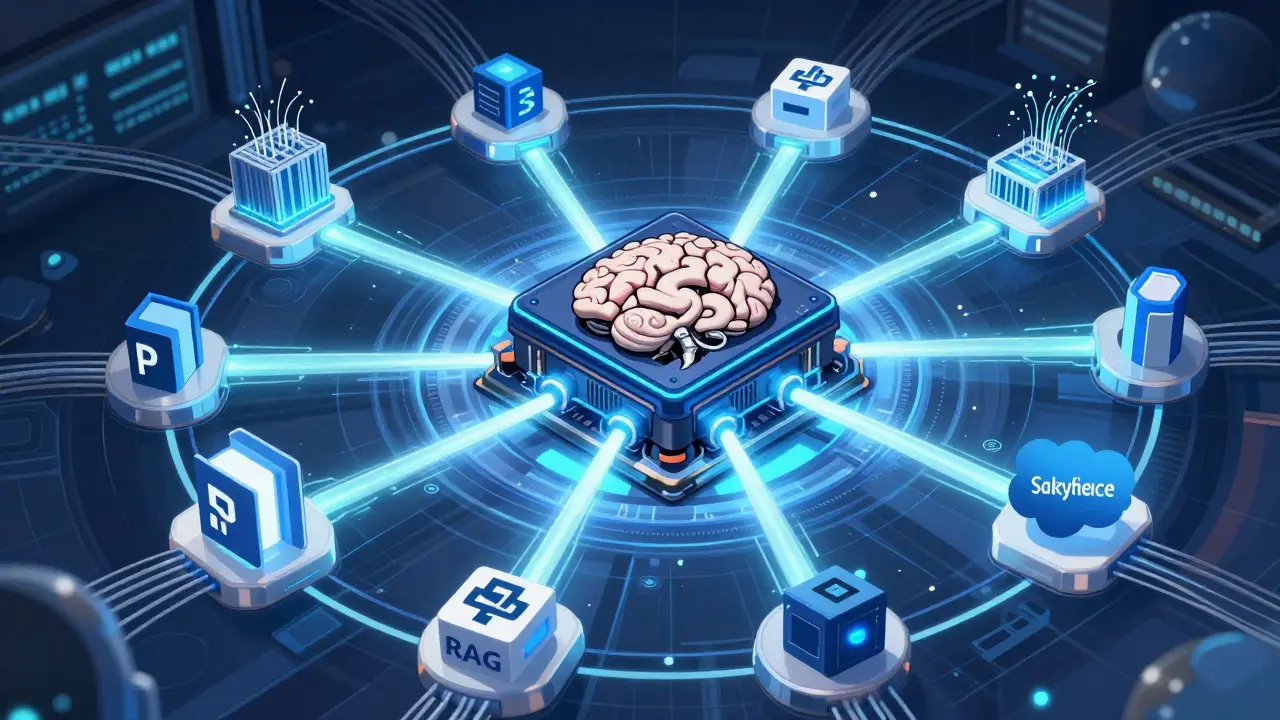
You might wonder how these systems avoid making things up. After all, AI hallucinations are a real concern. The secret lies in a technical architecture called Retrieval-Augmented Generation (RAG) that grounds responses in verified organizational data.
Here’s the process in plain English:
- Query Understanding: When you type a question, transformer-based language models break down the meaning behind your words.
- Retrieval: The system searches your secure enterprise data sources-like Microsoft 365 or internal wikis-for relevant chunks of information. It doesn’t look at public internet data unless explicitly configured to do so.
- Generation: The AI combines the retrieved facts with its language capabilities to draft an answer.
- Citation: Crucially, it provides citations linking back to the original source documents, allowing you to verify the information.
This structure ensures that the AI acts as a librarian, not a creator. It pulls only from what your company has approved. However, the quality of the answer depends entirely on the quality of your data. As Glean’s technical analysis notes, "the quality of AI answers is directly proportional to metadata quality and information architecture maturity." If your documents are messy, untagged, or outdated, the AI will struggle.
Real-World Performance and ROI
Does this actually save time? The numbers suggest yes, but with caveats. Let’s look at specific metrics from recent implementations:
- Speed: Average query resolution time drops from 15-30 minutes to under 2 minutes.
- Onboarding: New employee ramp-up time decreases by 50%, as reported by Glean.
- Efficiency: Organizations experience a 63% reduction in redundant projects because teams can easily check if work already exists.
- Customer Service: Contact centers report a 35% improvement in satisfaction scores when agents use AI-backed knowledge bases.
Consider a customer support scenario. An agent receives a complex ticket about a billing error. Instead of toggling between five different legacy systems, they ask the answer engine: "Why did Customer X get charged twice in March?" The engine retrieves the transaction logs, checks the refund policy, and summarizes the issue. The agent resolves the ticket in seconds rather than minutes.
However, don’t expect magic everywhere. These systems excel in customer service and general employee support but struggle with highly structured numerical data or complex financial modeling. If you need precise engineering calculations, specialized software still beats a chatbot.
| Feature | Traditional KM (SharePoint/Confluence) | AI Answer Engines (RAG-based) |
|---|---|---|
| Search Method | Keyword Matching | Semantic Understanding |
| Result Format | List of Links/Documents | Synthesized Answer with Citations |
| Accuracy Rate | 35-45% | 85-92% |
| User Effort | High (Manual Reading) | Low (Direct Answers) |
| Data Requirement | Basic Storage | Clean Metadata & Structured Data |
Implementation Challenges: The Hidden Costs
While the benefits are clear, deploying an answer engine is not plug-and-play. Many organizations underestimate the preparation required. A typical enterprise deployment takes 8-16 weeks, with the first 4-6 weeks dedicated solely to data preparation.
Here are the biggest hurdles you’ll face:
- Dirty Data: Inconsistent formatting, poor-quality scans, and handwritten documents confuse AI processors. One HR department reported an initial 18% error rate due to inconsistent document formats.
- Legacy Integration: Older systems without modern APIs are difficult to connect. This complexity is cited in 34% of negative reviews for AI KM tools.
- Metadata Gaps: Without standardized tags and categories, the AI can’t retrieve the right context. Establishing metadata standards is present in 78% of successful implementations.
- Hallucination Risks: Even with RAG, error rates of 5-15% can occur depending on data quality. In regulated industries like finance, unvalidated responses can lead to compliance issues.
To mitigate these risks, start with a pilot program. Choose a well-structured repository, such as IT helpdesk articles or HR policies, before expanding to legal or financial documents. Use automated classification tools to tag old documents, which can reduce manual tagging effort by 80%.
Choosing the Right Solution
The market for AI knowledge management is growing fast, projected to reach $22.3 billion by 2027. You have several options, each with different strengths:
- Microsoft Copilot for M365: Ideal if you live in the Microsoft ecosystem. It integrates seamlessly with Teams, SharePoint, and Outlook. Priced at $30 per user per month, it offers "knowledge provenance tracing" to map answers to sources.
- Kyndi: A specialized player focused on high-security environments. It offers real-time collaborative answer validation, where experts can verify AI responses before publication, reducing errors by 22%.
- Glean: Known for strong performance in employee search and onboarding. It emphasizes "question velocity" and integrates with a wide range of SaaS apps.
- Open Source (LangChain): Best for developers who want full control over the architecture. Requires significant engineering resources but avoids vendor lock-in.
Your choice should depend on your existing tech stack and security requirements. If you’re heavily invested in Azure, Copilot makes sense. If you need strict compliance controls in healthcare or finance, look at Kyndi or similar specialized vendors.

Future Trends: Beyond Text
We’re only at the beginning. The next wave of knowledge management involves multimodal engines. Currently, most systems process text. Soon, they’ll analyze images, videos, and audio documentation alongside written records. Gartner predicts that 30% of enterprise KM implementations will incorporate multimodal capabilities by 2027.
Imagine asking, "Show me the diagram from the Q3 product launch meeting where we discussed the battery life issue," and having the AI pull that specific frame from a video recording. This level of integration will make knowledge truly fluid.
However, sustainability remains a concern. Forrester warns that organizations without structured KM governance will see diminishing returns after 18 months due to "knowledge decay" and data drift. AI doesn’t fix bad habits; it amplifies them. If you stop updating your documents, the AI will confidently provide outdated answers.
Getting Started: A Practical Checklist
If you’re ready to move forward, follow these steps to ensure a smooth rollout:
- Audit Your Data: Identify your highest-value, cleanest datasets. Start there.
- Define Governance: Assign owners for content accuracy. Who updates the documents? How often?
- Pilot with a Small Team: Test the tool with 10-20 power users. Gather feedback on accuracy and usability.
- Implement Feedback Loops: Allow users to thumbs-up or thumbs-down answers. This continuous learning can increase accuracy by 3-5% monthly.
- Train Users: Knowledge workers need only 2-3 hours of training to become proficient, but administrators require 40-60 hours to master configuration.
Don’t try to boil the ocean. Start small, prove the value, and then scale. The technology is powerful, but it’s only as good as the foundation you build beneath it.
What is the difference between traditional search and AI answer engines?
Traditional search relies on keyword matching, returning lists of documents that contain specific words. AI answer engines use semantic understanding to interpret the intent behind a question and synthesize a direct answer from multiple sources, citing the original documents for verification.
How long does it take to implement an AI knowledge management system?
Enterprise deployments typically take 8-16 weeks. The first 4-6 weeks are usually dedicated to data preparation, including cleaning, tagging, and validating documents to ensure accurate AI responses.
Can AI answer engines replace human experts?
No. AI answer engines are designed to augment human expertise by providing quick access to information. They struggle with complex reasoning, nuanced judgment calls, and highly specialized technical tasks that require deep domain knowledge.
What is RAG in the context of knowledge management?
RAG stands for Retrieval-Augmented Generation. It is a technique where the AI first retrieves relevant information from a trusted database (like your company's documents) and then generates an answer based on that information, reducing the risk of hallucinations.
Is my data safe when using cloud-based AI knowledge tools?
Reputable enterprise AI providers offer robust security features, including data encryption, single sign-on integration, and compliance with regulations like GDPR and HIPAA. However, you must configure permissions correctly to ensure employees only access data they are authorized to see.