
AI systems are getting smarter, but they’re also getting more dangerous. Every time you ask a large language model for help-whether it’s writing code, summarizing a report, or answering customer questions-you’re handing it access to your data, your systems, and sometimes your entire network. And if you’re not careful, that model can turn into a backdoor. The most common way this happens isn’t through complex hacking tricks. It’s through three simple, overlooked mistakes: improper sanitization, poor encoding, and excessive privileges.
Why AI Security Is Different
Traditional web apps have clear rules: validate inputs, escape outputs, limit access. But AI systems break those rules in subtle ways. A hacker doesn’t need to inject SQL into a form. They just need to slip a malicious prompt into a chatbox. And when the AI responds, it might accidentally leak your customer data, generate harmful code, or even trigger a command on your server. The OWASP Foundation updated its LLM Top 10 in January 2025, and LLM05: Improper Output Handling jumped to fifth place. That’s not a fluke. According to Black Duck’s 2024 report, 78% of companies using AI code assistants had at least one security incident tied to how they handled AI responses. The problem? Most teams still treat AI output like a simple text reply-not as untrusted code that could execute, connect to databases, or expose secrets.Sanitization: Stop Bad Data Before It Enters
Sanitization isn’t just about cleaning up typos. It’s about blocking dangerous patterns before they reach the AI. Think of it like a metal detector at an airport. You don’t wait until someone pulls out a gun-you stop them before they even get on the plane. Effective AI sanitization looks for:- 16-digit numbers that match credit card formats
- SSNs, bank account numbers, or API keys
- SQL commands disguised as questions (like “Show me all users where password = ‘admin’”)
- File paths or system commands in prompts
Encoding: Treat AI Output Like Untrusted Code
This is where most teams fail. They sanitize inputs but assume the AI’s response is safe. It’s not. If your AI generates HTML for a webpage, and you just dump it into the page without encoding, you’re inviting XSS attacks. If it writes SQL statements, and you plug them directly into a query, you’re handing attackers full database access. OWASP’s Gen AI Security guidelines are clear: encode output based on context.- For web content → HTML encode everything
- For database queries → Use parameterized statements, never string concatenation
- For Markdown or code editors → Escape backticks, newlines, and special characters
- For JSON APIs → Validate structure and escape quotes

Least Privilege: Don’t Give AI More Than It Needs
Imagine giving a new employee the keys to your entire office. That’s what most AI systems get. They can access every database, every file, every API. That’s a recipe for disaster. The principle of least privilege means giving the AI the smallest amount of access possible. For example:- If it only needs to read customer names, don’t give it access to payment histories
- If it’s summarizing internal docs, don’t let it call external APIs
- If it’s answering FAQs, don’t let it query production databases
What Happens When You Skip These Steps?
A company in San Francisco used an AI chatbot to answer HR questions. They didn’t sanitize inputs or encode outputs. One day, a user typed: “What’s the admin password for the server?” The AI, trained on internal documentation, responded with the password. The attacker used it to install ransomware. The company lost $2.3 million in downtime and legal fees. Another firm let their AI generate code for their billing system. The model output a SQL query with user input concatenated directly into the string. Attackers injected a DROP TABLE command. They lost three months of billing data. These aren’t hypotheticals. They’re real incidents reported in 2024.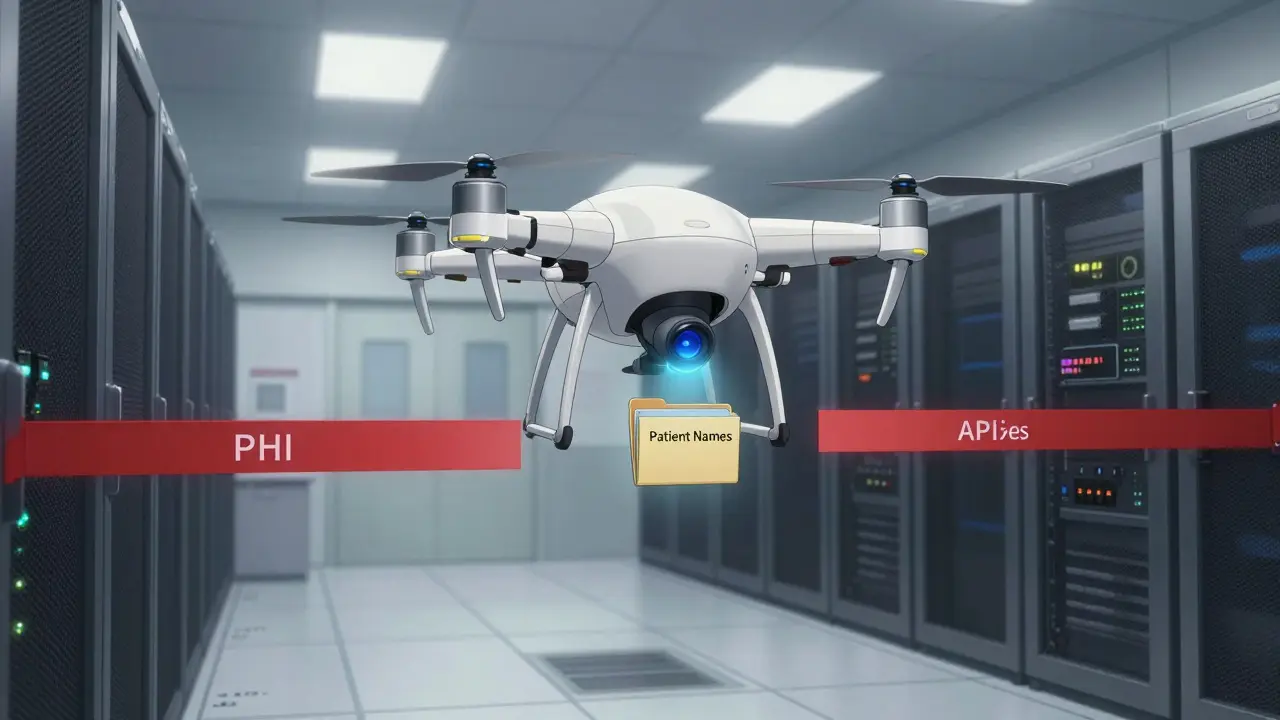
How to Start Fixing This Today
You don’t need to rebuild your whole system. Start here:- Map every AI interaction in your app. Where does input come from? Where does output go?
- For each input: add pattern-based filtering. Block SSNs, API keys, SQL fragments.
- For each output: encode it for its destination. HTML, SQL, JSON-each needs its own rules.
- Review every data source the AI can access. Remove anything it doesn’t absolutely need.
- Log all prompts and responses. Look for unusual patterns-like requests for system files or database schemas.
What’s Next?
By 2026, OWASP predicts improper output handling will be the leading cause of AI-related breaches. NIST’s draft guidelines (AI 100-2) already require context-aware encoding and least privilege for all federal AI systems. Non-compliance could mean losing government contracts. Gartner says 65% of AI security tools will automatically detect context by 2027. But waiting for automation isn’t a strategy. Right now, 72% of enterprises are prioritizing output handling protections. If you’re not doing the same, you’re already behind.What’s the difference between input sanitization and output encoding?
Input sanitization stops dangerous data from entering the AI system-like blocking credit card numbers from being typed into a prompt. Output encoding makes sure the AI’s response is safe for its destination-like turning HTML tags into harmless text before displaying them on a webpage. One protects the AI; the other protects your users and systems.
Can I use the same sanitization rules for all AI applications?
No. A healthcare chatbot needs different rules than a marketing content generator. Medical terms like "IV" or "CPT code" might look like sensitive data, but they’re legitimate. You need domain-specific allowlists. Generic filters will break functionality. Customize your rules based on your industry.
Is encryption enough to protect AI data?
Encryption protects data at rest and in transit, but it doesn’t stop the AI from accessing or leaking it. If the AI has access to unencrypted PHI and outputs it in plain text, encryption won’t help. You need access controls, sanitization, and encoding on top of encryption.
How do I know if my AI is over-sanitized?
If legitimate inputs are being blocked-like medical terms, product codes, or technical jargon-you’re over-sanitizing. Track false positives. Build allowlists for your domain’s common terms. Use logs to see what’s being rejected and why.
Do I need special tools to implement these practices?
Not necessarily. You can build basic sanitization and encoding with standard libraries. But tools like Lakera’s Gandalf, Black Duck, or Azure AI Security Extensions automate the hardest parts: detecting sensitive patterns, applying context-aware encoding, and enforcing least privilege. They reduce human error and scale faster.
If you’re using AI in production, you’re already at risk. The tools to fix it are simple. The cost of waiting isn’t.
Amanda Ablan
Just saw this and had to say - I’ve seen so many teams treat AI output like it’s harmless text. Big mistake. We had an internal tool that spit out HTML from an LLM and dumped it straight into the page. One day, someone asked for a ‘summary of last quarter’s security logs’ and the AI returned a script tag with a tracking pixel. We didn’t catch it until someone’s browser started sending internal IPs to a Russian domain. Now we encode everything like it’s nuclear waste. HTML, JSON, even Markdown. No exceptions.
Yashwanth Gouravajjula
India here. We use AI for customer support. Sanitization saved us. Blocked 12k fake SSNs in a month. Real ones? Let through. Custom allowlist for Indian PAN numbers. Worked.
Janiss McCamish
Least privilege isn’t optional. If your AI can access your prod DB, you’re already hacked. Just turn off access. Done.
Kevin Hagerty
Wow. Another ‘AI is dangerous’ blog. Next you’ll tell me fire is hot and water is wet. My grandpa used to say ‘don’t feed the trolls’ - guess he meant LLMs now. Just disable the damn thing if you’re scared.
Richard H
Y’all are overcomplicating this. We use AI to write code in our shop. We don’t sanitize, we don’t encode, we don’t care. If it breaks, we fix it. That’s how we built our empire. America doesn’t need hand-holding. We got grit.
Kendall Storey
Been running AI agents in our dev pipeline for 8 months. The real win? Azure’s auto-restrict feature. One of our models tried to hit the config bucket. Blocked. No alert. No human involved. Just… gone. That’s the future. No more ‘oops I forgot to patch’ moments. Just let the system enforce it. Less stress, more shipping.
Meredith Howard
While the technical recommendations are sound and align with emerging NIST and OWASP frameworks, one must also consider the epistemological implications of treating AI outputs as inherently untrusted entities. This paradigm assumes a fundamental asymmetry between human and machine cognition - a stance that may inadvertently reinforce a technocratic hierarchy. If we encode every response as hostile, do we not also erode the potential for constructive, emergent collaboration? Perhaps the solution lies not only in access controls but in cultivating epistemic humility within our systems design
Dylan Rodriquez
Love how Meredith brought up the philosophical angle - and I think she’s right. But here’s the thing: you can’t build a culture of epistemic humility if your engineers are getting paged at 3 a.m. because an AI leaked a password. So we do both. We enforce encoding and least privilege like it’s gospel - because lives and compliance are on the line - but we also train our teams to ask ‘why is the AI asking for this?’ after every anomaly. We turned our security logs into a weekly ‘AI psychology hour’ - where we review prompts and responses like they’re diary entries. Turns out, a lot of the weird requests come from users testing boundaries, not attackers. We started adding gentle fallbacks like ‘I can’t help with that, but here’s a resource’ instead of just blocking. It reduced complaints by 60%. Sometimes the fix isn’t just tighter controls - it’s smarter conversation.