
You’ve downloaded a massive language model. It’s powerful, it’s smart, and it completely crashes your system the moment you try to load it. Why? Because your single GPU doesn’t have enough memory (VRAM) to hold all those billions of parameters. This is the bottleneck facing every developer moving from small models to production-grade Large Language Models (LLMs). The solution isn't always buying a bigger card-it's using multiple cards together efficiently.
Enter tensor parallelism. It is the standard technique for splitting a large neural network across several GPUs so they work as one big unit. Unlike other methods that just split the data or the layers, tensor parallelism slices the actual math inside each layer. If you want to run a 70-billion parameter model on four consumer-grade GPUs, this is the strategy you need to understand.
What Is Tensor Parallelism?
At its core, tensor parallelism is a form of model parallelism. In traditional machine learning, we often use data parallelism, where every GPU holds a full copy of the model but processes different batches of data. That works great for training speed, but it does nothing to help if the model itself is too big to fit in one GPU’s memory.
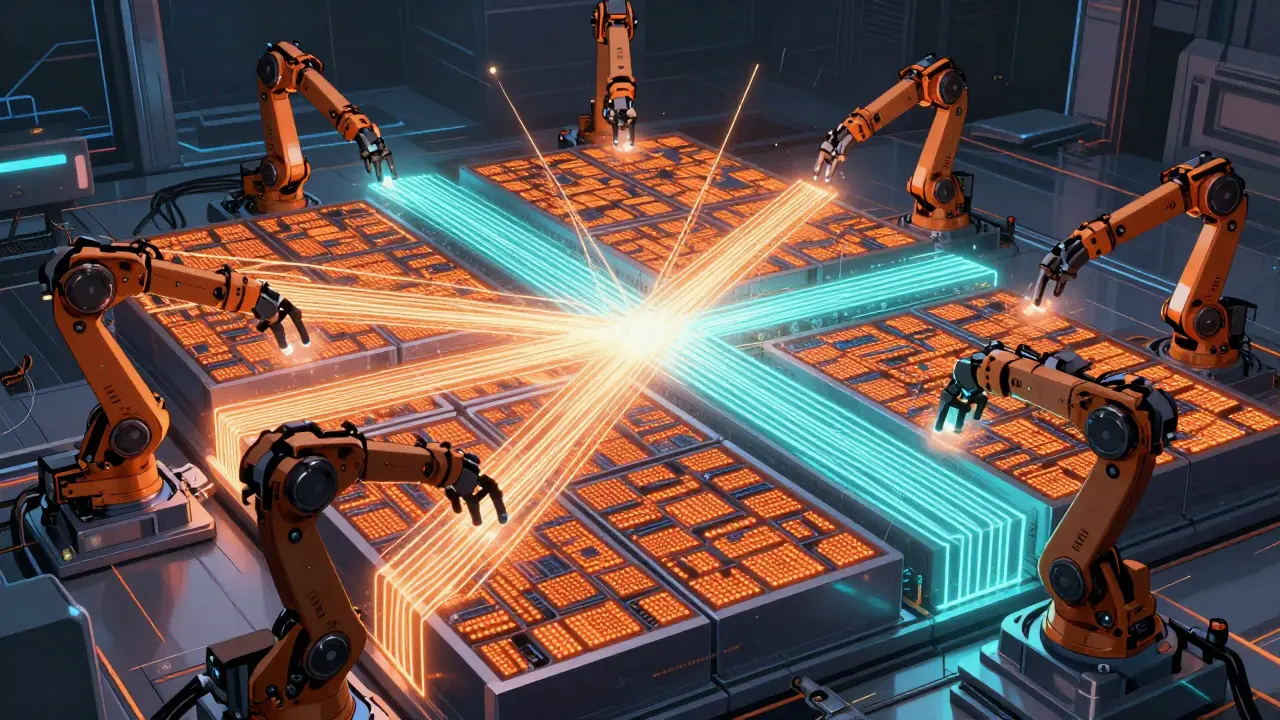
Tensor parallelism changes the geometry of the problem. Instead of duplicating the model, it horizontally partitions the weight matrices within each neural network layer. Imagine a giant matrix multiplication operation. Rather than having one GPU do the whole thing, you split that matrix into smaller blocks. Each GPU calculates its specific block simultaneously. Then, they communicate briefly to combine their partial results into the final output.
This approach was popularized by NVIDIA Research in their 2019 Megatron-LM paper. They realized that to train billion-parameter models, they had to break the tensors along the feature dimension. Today, this is not just for training; it is the backbone of efficient inference. Frameworks like vLLM, Text Generation Inference (TGI), and TensorRT-LLM rely on this method to serve large models in real-time.
How It Works Under the Hood
To implement tensor parallelism correctly, you need to understand how the weights are split. It’s not random. The architecture dictates two main patterns: column parallelism and row parallelism.
- Column Parallelism: Used for projection layers like query ($q$), key ($k$), and value ($v$) in attention mechanisms. Here, the input tensor is replicated across all GPUs. Each GPU computes a slice of the weight matrix columns. The outputs are then gathered together.
- Row Parallelism: Used for output projection layers. The input tensor is split across GPUs. Each GPU computes a part of the result, which is then summed up (all-reduce operation) to get the final output.
Let’s look at a concrete example. Suppose you are running the OPT-175B model, which has 96 attention heads. If you use 8 GPUs with tensor parallelism set to 4 (TP=4), each GPU handles a subset of these heads. Specifically, instead of every GPU holding all 96 heads, each GPU stores only 12 heads worth of weights. This drastically reduces the VRAM requirement per device.
The trade-off is communication. After each layer, the GPUs must talk to each other to synchronize their partial calculations. This happens via collective communication operations like all-gather and all-reduce. If your interconnect is slow, your inference will be slow, regardless of how powerful the individual GPUs are.
Hardware Requirements: Why Interconnect Matters
You can throw eight high-end GPUs at a server, but if they are connected via standard PCIe lanes, tensor parallelism might actually perform worse than a single GPU due to communication overhead. The bandwidth between GPUs is the critical constraint.
| Interconnect Type | Bidirectional Bandwidth | Impact on Tensor Parallelism |
|---|---|---|
| NVLink (NVIDIA) | 600 GB/s | Ideal. Reduces communication overhead by ~35% compared to PCIe. |
| PCIe 4.0 | 32 GB/s | Acceptable for TP=2, but causes bottlenecks at TP=4+. |
| Ethernet / EFA | Variable (low) | Poor. Adds 1.2-2.5ms latency per sync point. Not recommended for single-node TP. |
NVIDIA’s documentation highlights that NVLink is nearly essential for scaling beyond two GPUs. Without it, the time spent waiting for data between GPUs eats into the time available for computation. For instance, AMD’s ROCm benchmarks show that while a TP=4 configuration can achieve a 3.2x speedup over a single GPU for a 13B parameter model, sublinear scaling occurs because 15-25% of total inference time is consumed by communication overhead.
Tensor Parallelism vs. Other Strategies
It is easy to confuse tensor parallelism with pipeline parallelism or data parallelism. Choosing the wrong one leads to poor performance or failed deployments. Here is how they differ in practice.
Data Parallelism replicates the entire model on each GPU. You use this when the model fits in one GPU, but you want to process more requests per second (higher throughput). It does not help if the model is too large for one GPU.
Pipeline Parallelism splits the model vertically by layers. GPU 1 handles layers 1-10, GPU 2 handles layers 11-20, and so on. This allows you to fit huge models, but it introduces "pipeline bubbles." When GPU 1 finishes a layer, it sends data to GPU 2. If GPU 2 is busy, GPU 1 sits idle. Studies from Carnegie Mellon University indicate this can reduce GPU utilization by 30-60%, making it less efficient for low-latency inference.
Tensor Parallelism avoids pipeline bubbles because all GPUs work on the same layer simultaneously. However, it incurs higher per-layer communication costs. It is superior for latency-sensitive applications (like chatbots) but becomes inefficient for very wide models or when scaling beyond 8 GPUs on a single node due to the sheer volume of synchronization required.
Implementation Challenges and Best Practices
Setting up tensor parallelism is straightforward in modern frameworks, but debugging it is another story. Common issues include deadlocks, timeout errors, and incorrect results due to uneven tensor splits.
If you are using Hugging Face TGI, you simply pass the flag --tensor-parallel-size matching your GPU count. For vLLM, the configuration is similarly integrated. However, under the hood, you need to ensure your environment supports NCCL (NVIDIA Collective Communications Library) properly. Many "allreduce timeout" errors reported in GitHub issues stem from NCCL not detecting the optimal topology or from firewall restrictions blocking peer-to-peer traffic between GPU processes.
Here are three best practices to avoid common pitfalls:
- Match TP Degree to GPU Count: Do not set tensor parallel size to 4 if you only have 2 GPUs. It will either fail or underutilize resources.
- Use BF16 or FP16 Precision: These lower-precision formats reduce the amount of data communicated between GPUs by half compared to FP32, significantly cutting down on bandwidth usage.
- Combine with Quantization: Use techniques like AWQ or GPTQ alongside tensor parallelism. While TP splits the compute, quantization reduces the memory footprint, allowing even larger models to fit on fewer GPUs.
For Mixture-of-Experts (MoE) models, consider expert parallelism instead. As noted in Mistral AI’s technical reports, expert parallelism can reduce cross-GPU communication by 40-60% for MoE architectures because each GPU stores complete weights for a subset of experts, rather than slicing every expert’s weights across all devices.

When Does Tensor Parallelism Stop Scaling?
There is a limit. While tensor parallelism works beautifully for 2 to 8 GPUs on a single node, scaling beyond that becomes costly. AWS Neuron SDK documentation notes that tensor parallelism becomes "costly to scale beyond 1 node" due to high communication volume. The latency added by networking equipment (even fast ones like InfiniBand) disrupts the tight synchronization loops required by tensor parallelism.
If you need to go beyond 8 GPUs, you should look into hybrid approaches. DeepSpeed’s 3D parallelism combines tensor, pipeline, and data parallelism. This allows you to use tensor parallelism within a node for low latency, and pipeline parallelism across nodes to handle the model size. Stanford’s Center for Research on Foundation Models predicts that pure tensor parallelism will evolve into context-aware hybrid systems that dynamically adjust strategies based on request patterns.
Conclusion
Tensor parallelism is no longer an experimental feature; it is essential infrastructure for deploying modern LLMs. With 92% of production LLM deployments using some form of it, understanding how it splits weight matrices and manages communication overhead is crucial for any AI engineer. By ensuring you have high-bandwidth interconnects like NVLink and configuring your framework correctly, you can unlock the ability to run massive models on accessible hardware.
What is the difference between tensor parallelism and data parallelism?
Data parallelism replicates the entire model on each GPU to process different batches of data, increasing throughput but requiring the model to fit in one GPU's memory. Tensor parallelism splits the model's weight matrices across GPUs, allowing you to run models that are too large for a single GPU.
Do I need NVLink for tensor parallelism?
While not strictly mandatory, NVLink is highly recommended. Standard PCIe connections have much lower bandwidth (32 GB/s vs 600 GB/s for NVLink), which creates significant communication bottlenecks. Without NVLink, performance gains from adding more GPUs diminish rapidly due to synchronization delays.
Can I use tensor parallelism with open-source frameworks?
Yes. Major open-source frameworks like vLLM, Hugging Face Text Generation Inference (TGI), and PyTorch support tensor parallelism out of the box. You typically enable it by setting a parameter like --tensor-parallel-size to match your number of GPUs.
Why does tensor parallelism suffer from sublinear scaling?
Sublinear scaling occurs because of communication overhead. Every time a layer finishes computing, GPUs must exchange data via all-reduce or all-gather operations. As you add more GPUs, the volume of communication increases, and if the interconnect bandwidth is limited, the GPUs spend more time waiting for data than computing.
Is tensor parallelism better than pipeline parallelism for inference?
For low-latency inference on a single node, yes. Tensor parallelism keeps all GPUs active simultaneously without the "pipeline bubbles" (idle times) inherent in pipeline parallelism. However, for extremely large models spanning multiple nodes, pipeline parallelism or hybrid approaches are often necessary.