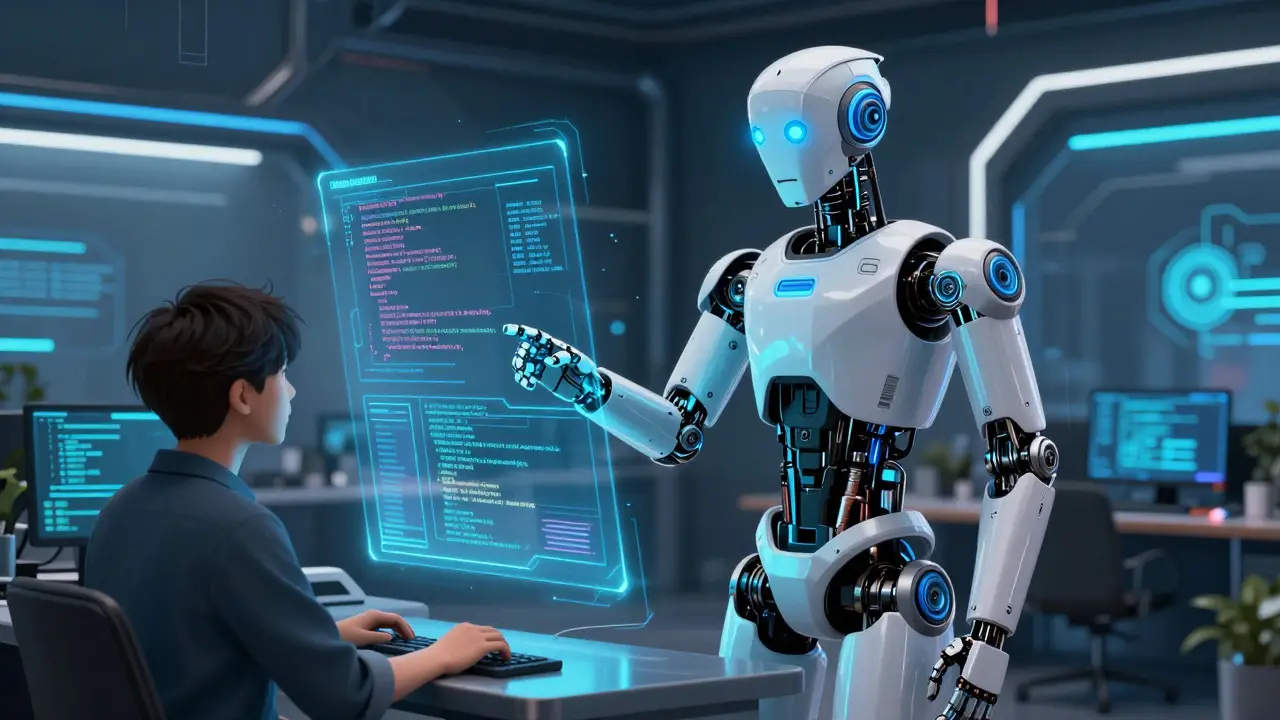
You describe what you want. The AI writes the code. You hit run. If it breaks, you paste the error back into the chat, and the AI fixes it. This is vibe coding, and it is changing how we build software right now.
For years, learning to code meant memorizing syntax, understanding data structures, and debugging logic errors line by line. Today, with tools like GitHub Copilot an AI pair programmer that generates code suggestions and edits based on natural language prompts, that barrier has dropped significantly. But there is a catch. While vibe coding feels magical at first, it introduces new problems regarding cost, maintenance, and control. Understanding where this workflow shines-and where it fails-is critical for anyone using AI to build applications in 2026.
What Is Vibe Coding?
Vibe coding is not just asking an AI to write a function. It is a development methodology where the primary interaction with the codebase happens through natural language conversations rather than manual typing. The term gained traction when developers realized they could build entire applications from scratch by describing features, letting the AI generate files, and iterating via chat.
In this model, you act as the product manager and the architect. The AI acts as the engineer. You tell Copilot Chat the conversational interface within GitHub Copilot that allows users to ask questions, plan changes, and execute code modifications, "Create a user authentication system with JWT tokens." It generates the backend logic, the database schema, and the frontend components. You review the diff, accept the changes, and move to the next feature.
This approach relies heavily on modern IDE integrations. Most vibe coders use Visual Studio Code a popular source-code editor developed by Microsoft that supports extensions like GitHub Copilot or JetBrains IDEs. These environments allow the AI to see your entire project structure, read your files, and execute terminal commands. The key shift here is context. Instead of working in isolation, the AI works inside your repository, making vibe coding a collaborative process rather than a solitary one.
The Strengths: Speed and Accessibility
The biggest advantage of vibe coding is speed. When starting a greenfield project-meaning a brand-new application with no existing code-GitHub Copilot can scaffold an entire app in minutes. What used to take days of boilerplate setup now takes hours of prompting.
Here is why this works so well:
- Rapid Prototyping: You can test ideas instantly. Want to see if a specific UI component works? Describe it, let Copilot build it, and run it. If it fails, you iterate immediately without getting bogged down in syntax errors.
- Lower Barrier to Entry: Non-coders and junior developers can contribute more effectively. By focusing on the "what" instead of the "how," teams can prototype solutions faster. A marketing manager might not know Python, but they can describe a data visualization tool, and Copilot can generate the initial script.
- Integrated Workflow: Unlike standalone chatbots, Copilot lives inside your editor. It knows your file names, your imports, and your git history. This tight integration means fewer copy-paste errors and better contextual awareness.
However, speed is not always quality. The ease of generating code often leads to a false sense of security. Just because the code runs doesn't mean it is maintainable, secure, or efficient. This brings us to the limits.
The Limits: Maintenance and Context
Vibe coding hits a wall when projects grow beyond simple prototypes. The main issue is technical debt. AI models tend to over-implement. If you ask for a login page, Copilot might add unnecessary animations, complex state management, or redundant validation logic. Over time, these small inefficiencies accumulate, creating a bloated codebase that is hard to debug.
Another major limitation is context window constraints. While Copilot can read multiple files, it cannot hold an entire large-scale enterprise application in its active memory at once. In complex repositories with thousands of files, Copilot may miss dependencies or introduce conflicts because it lacks a holistic view of the system architecture. Developers have noted that for very large codebases, specialized tools like Cursor or Claude Code sometimes handle broader context better than standard Copilot setups.
Then there is the cost factor. As of mid-2026, GitHub is shifting toward usage-based billing models. Heavy vibe coding sessions-where you send massive prompts and generate multi-file plans-consume tokens rapidly. If you are constantly iterating on vague instructions, you will burn through your credits quickly. This financial pressure forces developers to be more precise, which ironically requires deeper coding knowledge, contradicting the idea that vibe coding eliminates the need for technical skills.
| Aspect | Traditional Coding | Vibe Coding with Copilot |
|---|---|---|
| Speed (Initial Setup) | Slow (manual configuration) | Fast (AI scaffolding) |
| Maintenance | High control, predictable debt | Low control, potential bloat |
| Skill Requirement | Deep syntax/framework knowledge | Prompt engineering + architectural oversight |
| Cost Structure | Fixed (developer salary) | Variable (token usage/credits) |
| Best Use Case | Complex, long-term systems | Prototypes, scripts, greenfield apps |
Workarounds: Making Vibe Coding Sustainable
You do not have to choose between slow traditional coding and risky vibe coding. You can combine them. The most successful teams use specific workarounds to mitigate the risks of AI-generated code.
1. Define "Copilot-Safe" Zones
Not all code is equal. Identify parts of your application where mistakes are low-cost. Utility functions, CSS styling, documentation, and test cases are excellent candidates for vibe coding. Reserve core business logic, security modules, and database migrations for human-led development. This containment strategy prevents AI hallucinations from breaking critical systems.
2. Use Custom Instructions Aggressively
GitHub allows you to create a .github/copilot-instructions.md file in your repository root. This file acts as a persistent brain for the AI. Here, you define naming conventions, architectural patterns, and strict "do nots." For example, you can instruct Copilot to "Always use TypeScript strict mode" or "Never use inline styles." This ensures consistency across all generated code, reducing the cleanup time later.
3. Leverage Context Tags
When prompting, do not rely on general descriptions. Use explicit tags to guide Copilot’s attention. Tags like #file, #folder, and #symbol tell the AI exactly which parts of the codebase to consider. If you are fixing a bug in the authentication module, reference the specific file: "Fix the token expiration error in #file auth.ts." This reduces irrelevant suggestions and keeps the context focused.
4. Implement Automated Guardrails
Trust but verify. Integrate static analysis tools, linters, and unit tests into your CI/CD pipeline. Before accepting any AI-generated change, run your test suite. If the tests fail, reject the change and ask Copilot to fix it based on the error output. This creates a feedback loop where the AI learns from immediate consequences, improving the quality of subsequent suggestions.
5. Ask Copilot to Critique Its Own Code
A powerful trick is to pause before accepting a large block of code. Ask Copilot: "Review this implementation for security vulnerabilities and performance bottlenecks." Often, the AI will identify issues it missed during generation. This self-correction step adds a layer of quality assurance without requiring deep manual review.
Who Should Use Vibe Coding?
Vibe coding is not for everyone, nor is it suitable for every stage of development. It is ideal for:
- Startups and Solopreneurs: Who need to validate ideas quickly with minimal resources.
- Junior Developers: Who want to learn by observing how AI structures solutions, provided they study the generated code closely.
- Senior Architects: Who use AI to offload repetitive tasks and focus on high-level system design.
It is less effective for maintaining legacy systems with poor documentation or building highly regulated applications where every line of code must be auditable and explainable. In those scenarios, the lack of transparency in AI decision-making becomes a liability.
The Future of Development
As we move further into 2026, the distinction between coder and prompter is blurring. The future belongs to hybrid developers who understand both traditional engineering principles and AI orchestration. Vibe coding is not replacing programmers; it is elevating the role. Instead of writing syntax, you are directing outcomes. But direction requires vision. Without a solid understanding of how software works, you cannot guide the AI effectively. The best vibe coders are still the ones who know how to code-they just choose not to type it all out.
Is vibe coding safe for production environments?
Vibe coding is generally safe for prototyping and non-critical components, but it carries risks for production systems due to potential hidden bugs, security vulnerabilities, and lack of architectural coherence. Always implement rigorous testing, code reviews, and automated security scans before deploying AI-generated code to production.
How does GitHub Copilot's pricing affect vibe coding?
With the shift to usage-based billing, heavy vibe coding can consume credits quickly due to large context windows and frequent iterations. To manage costs, be precise with prompts, use local models for exploratory work, and reserve cloud Copilot for targeted, high-value tasks.
Can non-programmers build full apps with vibe coding?
Non-programmers can build functional prototypes and simple applications, but they often struggle with debugging, scaling, and integrating complex third-party services. Basic programming knowledge is essential for validating AI output and handling edge cases that the AI misses.
What is the best way to handle context limits in large projects?
Use explicit context tags like #file and #folder to restrict Copilot's focus to relevant parts of the codebase. Additionally, break down large tasks into smaller, modular steps and maintain a detailed .github/copilot-instructions.md file to provide consistent architectural guidance.
Does vibe coding replace the need to learn programming languages?
No. While vibe coding reduces the amount of manual typing, understanding programming concepts, data structures, and system design is crucial for effective prompt engineering, debugging, and maintaining the generated code. AI is a tool, not a substitute for foundational knowledge.