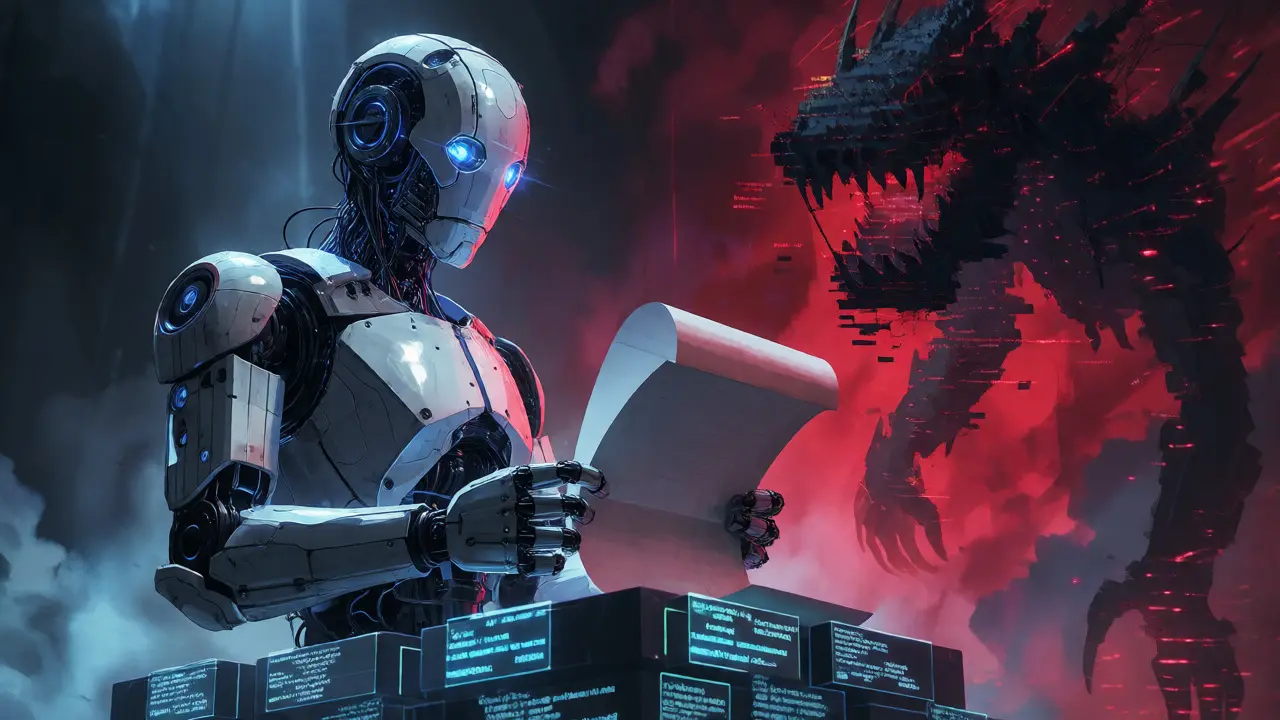
You just asked an LLM to write the README for your new microservice. It spat out three paragraphs of clean, professional text in four seconds. You copy-pasted it into GitHub, hit commit, and moved on. Six months later, a junior developer opens that file, tries to follow the setup instructions, and gets a dependency error because the library version changed last Tuesday. The AI didn't know that. It didn't check the package.json. It just guessed based on patterns from its training data.
This is the trap. We treat AI-generated text as finished product when it’s actually raw material. If you want your codebase to survive more than one sprint, you need to shift your mindset. Treat every line of AI output as a draft that demands rationale. Documentation isn’t just about describing what the code does; it’s about explaining why it exists, how it fits into the larger system, and where it might break. AI can describe the "what" with impressive fluency, but it rarely understands the "why" without explicit human guidance.
The Gap Between Fluency and Accuracy
Large language models are probabilistic engines. They predict the next likely token based on vast amounts of internet text. This makes them excellent at mimicking style and structure. They can format a Markdown table perfectly or summarize a complex API endpoint into three bullet points. But they lack ground truth awareness. When ChatGPT writes a function description, it doesn’t compile the code. It doesn’t run the unit tests. It hallucinates confidence.
Consider a recent scenario from my own work in Boulder. I used Cursor to generate docstrings for a Python module handling payment processing. The AI correctly identified the parameters and return types. However, it completely missed a critical edge case: the function fails silently if the currency code is lowercase. A human reviewer caught this immediately because they knew the upstream service normalizes inputs inconsistently. The AI saw "currency_code: str" and assumed standard behavior. Without that human intervention, the documentation would have been technically accurate but practically misleading.
Documentation First is a methodology where human expertise validates and contextualizes AI drafts before they become part of the official record. It positions AI as an accelerant, not an author. The goal isn’t to stop using AI for docs-it’s to use it responsibly so your future self doesn’t curse your past shortcuts.
Why Rationale Matters More Than Syntax
Code tells you how the machine works. Documentation tells you how the team thinks. That’s the distinction most AI tools miss. When you document a decision, you’re capturing institutional knowledge. Why did we choose PostgreSQL over MongoDB? Why is this specific retry logic set to three attempts instead of five? These aren’t syntactic facts; they’re historical artifacts of trade-offs.
AI can summarize the current state of the code. It cannot explain the history behind it unless you feed it that context explicitly. If you ask an LLM to document a legacy module, it will describe the code as it stands today. It won’t tell you that the weird conditional statement exists because of a bug in AWS Lambda v1.2 that was patched two years ago. If you don’t add that rationale, the next developer will refactor that condition away, thinking it’s redundant, and break production again.
This is where the concept of maintainability comes in. Maintainable code requires maintainable docs. Docs that lack rationale become obsolete quickly because they don’t explain the constraints that shaped the design. By treating AI output as a draft, you force yourself to inject that missing layer of reasoning.

Implementing the Validation Workflow
So, how do you actually do this without slowing down development? You need a lightweight review loop. Don’t aim for perfection; aim for verification. Here is a practical workflow that has worked well for teams integrating tools like Notion AI or GitLab Duo:
- Generate the Draft: Use AI to create the initial structure and boilerplate. Ask it to extract signatures, list dependencies, and outline sections. Let it handle the tedious formatting.
- Verify Against Source: Open the actual code file side-by-side with the AI draft. Check every claim. Does the parameter name match? Is the return type correct? Did it invent a feature that doesn’t exist?
- Add Contextual Rationale: This is the human-only step. Add comments explaining *why* certain decisions were made. Note any known limitations, security considerations, or integration quirks that aren’t obvious from the code alone.
- Check Audience Fit: Who is reading this? Developers need technical depth. Product managers need capability summaries. Auditors need compliance notes. AI often defaults to a generic technical tone. Adjust the voice accordingly.
IBM’s guidance on AI code documentation emphasizes that AI-generated API docs must be reviewed by a human coder to ensure accuracy and completeness. This isn’t bureaucracy; it’s quality control. Think of it like code review. You wouldn’t merge untested code, so don’t merge unverified docs.
Common Pitfalls to Avoid
There are three main traps developers fall into when automating documentation. Recognizing them early saves hours of debugging later.
| Pitfall | Description | Mitigation Strategy |
|---|---|---|
| Hallucinated Details | AI invents parameters, endpoints, or behaviors that don’t exist in the code. | Cross-reference every factual claim against the source code or API spec. |
| Missing Edge Cases | AI describes the happy path but ignores error handling or rare conditions. | Explicitly prompt for error scenarios and verify against test cases. |
| Lack of Context | Docs describe functionality but omit business logic or architectural reasons. | Manually add "Why" sections and link to design documents or tickets. |
Hallucinations are the most dangerous because they sound plausible. An AI might say a function returns a JSON object when it actually returns a stringified dictionary. Both look similar in a summary, but they break client integrations differently. Always trust the code, not the model.
Another issue is consistency drift. If you use different prompts for different modules, your documentation style will vary wildly. One section might be terse and technical; another might be verbose and tutorial-like. To fix this, create organization-specific templates. Train your AI tool (or simply paste the template into the prompt) to enforce a consistent structure. For example, mandate that every function docstring includes: Purpose, Parameters, Returns, Raises, and Example Usage.

Beyond Code: Documenting Decisions
While code documentation is critical, the broader application of "Documentation First" extends to architectural decisions and meeting outcomes. Tools like Notion AI are great at summarizing transcripts, but they often strip out nuance. In a brainstorming session, the decision to delay a feature might hinge on a subtle regulatory concern mentioned offhand. The AI summary might just say "Feature delayed." That loses the rationale.
Treat these summaries as drafts too. Go back and add the reasoning. "We delayed Feature X due to GDPR compliance concerns regarding user consent logs." Now, six months later, when someone asks why the feature is still pending, the answer is right there. This practice builds a living history of your project, making onboarding new team members significantly faster.
Trail-ML research highlights that well-maintained documentation eases collaboration and governance. When AI handles the heavy lifting of organizing information, humans can focus on the high-value task of articulating intent. This division of labor is efficient. AI handles syntax and structure; humans handle semantics and strategy.
Keeping Docs Alive
Static documentation dies. As soon as you push a change, the docs become outdated. The ideal state is continuous synchronization. Some CI/CD pipelines now integrate AI agents that scan commits and flag potential documentation updates. For instance, if you change a public API signature, the pipeline can suggest a diff for the corresponding doc file.
However, automation here must remain advisory. The AI flags the change; the human approves it. This prevents auto-generated noise from cluttering your repo. Set up alerts rather than auto-commits. Review the suggested changes during your pull request process. If the AI suggests updating a comment because you renamed a variable, accept it. If it suggests rewriting a whole paragraph because you refactored logic, read it carefully to ensure the new explanation matches the new implementation.
Remember, documentation is a deployment gate. No feature ships without updated docs. By treating AI output as a draft, you make this gate manageable. You’re not writing from scratch every time; you’re editing and validating. That speed allows you to keep pace with agile development cycles without letting technical debt accumulate in your knowledge base.
Can AI fully replace human technical writers?
No. AI excels at generating initial drafts, formatting, and extracting basic metadata from code. However, it lacks the contextual understanding of business goals, user pain points, and architectural history. Humans are essential for adding rationale, verifying accuracy against live systems, and tailoring content for specific audiences.
How do I prevent AI from hallucinating in documentation?
Always cross-reference AI output with the source code or authoritative specifications. Use precise prompts that include relevant code snippets or API definitions. Implement a mandatory human review step in your workflow where reviewers check for factual errors, especially regarding parameter names, return types, and behavioral details.
What is the best way to prompt AI for code documentation?
Be specific and provide context. Instead of "document this," try: "Generate a docstring for this Python function. Include purpose, parameters, returns, exceptions, and a usage example. Assume the audience is other backend developers. Highlight any side effects." Providing the code snippet and defining the output format reduces ambiguity and improves relevance.
Should I update documentation manually or via CI/CD?
Use a hybrid approach. Automate the detection of changes and the generation of draft updates within your CI/CD pipeline. However, require human approval before merging these updates. This ensures that automated suggestions are accurate and contextually appropriate, preventing the spread of incorrect information.
Why is 'rationale' important in documentation?
Rationale explains the 'why' behind technical decisions, such as choosing a specific technology or implementing a workaround. Code shows the 'how,' but rationale preserves institutional knowledge. Without it, future developers may misunderstand constraints or inadvertently revert intentional design choices, leading to bugs and increased maintenance costs.
Sabrina Silvani
we treat these models as oracles when they are merely mirrors reflecting the average of human mediocrity
the distinction between syntax and semantics is not a technical detail it is an epistemological crisis
if we outsource the why to a probabilistic engine we lose the thread of institutional memory that binds a team together
accuracy without understanding is just noise dressed in professional clothing
i have seen too many juniors trust the fluent lie over the awkward truth because the lie looks like code
documentation is not about describing the artifact it is about preserving the intent behind the artifact
when you strip away the rationale you turn living knowledge into dead data
the ai does not know pain it does not know the cost of a bad architectural decision at 3am
it predicts tokens it does not predict consequences
we must remain the authors of meaning while letting the machine handle the mechanics
this is not resistance to technology it is a defense of human agency in the loop
to merge unverified docs is to merge untested logic and both lead to rot
the draft is the beginning of thought not the end of it
let us stop confusing fluency with wisdom
Kathleen Johnson
While the premise is cute, the author clearly hasn't worked in enterprise environments where documentation is already a bureaucratic nightmare. Adding a 'human validation' step sounds nice in theory but in practice, nobody has time for it. We are drowning in Jira tickets and standups. The idea that I need to manually verify every AI-generated docstring against the source code is just more busywork disguised as quality control. Most teams will ignore this advice within two sprints because velocity metrics matter more than philosophical purity regarding 'rationale'. It's easy to preach from Boulder where you presumably have ample resources.
Sundaraiah Kollipara
this feels right on so many levels
i keep thinking about how we used to write comments by hand and now we feel guilty if we spend more than five minutes editing an ai output
but that guilt is misplaced
the value of documentation was never about the words themselves it was about the act of explaining which forces clarity of thought
when we skip that act we skip the learning
also the point about edge cases is huge
i had a similar issue last month where the ai missed a null check because the variable name was ambiguous
a human caught it because we knew the upstream api sometimes returns empty strings instead of nulls
context is everything and context is hard to prompt for
maybe we need better tools that inject context automatically rather than relying on manual review
or maybe we just need to accept that good docs take time no matter what tool we use
what do others think about automating the context injection part
is there a way to link design docs directly into the prompt pipeline
Liam Whelan
ugh this hits home :(
i spent 3 hours yesterday fixing ai generated readme files that were completely wrong about our auth flow :(
the ai said we use JWT but we actually use session cookies lol
so frustrating
definitely gonna try the side-by-side verification thing u mentioned
Elizabeth Calwell
This is such a valuable perspective! I love how you framed AI as an accelerant rather than an author. It really takes the pressure off developers who might feel overwhelmed by the expectation to write perfect docs from scratch. By treating the output as a draft, you empower the team to focus their energy on the high-value tasks like adding that crucial business context. Keep up the great work sharing these insights!
Ejike Ugwu
they want us to believe this is about efficiency but its about control
if you let the ai write the docs then eventually the ai writes the code and then who checks the ai?
no one
its a slippery slope
first its docs then its tests then its architecture
soon we will be maintaining systems we dont understand created by black boxes we cant audit
be careful
they are training on your mistakes to make future versions worse for humans
keep your rationale private
do not feed the machine your secrets
jyotshna Senapati
I can't believe people are still falling for this. You're literally admitting that AI is useless without you, so why are you even using it? Just write the docs yourself like a normal person. This whole post is just an excuse for lazy developers who don't want to learn proper technical writing. And honestly, 'Boulder'? Really? That screams privilege. Not everyone has the luxury of sitting around debating the philosophy of AI drafts while we're trying to ship product. Your workflow sounds incredibly inefficient and frankly, a bit pretentious. Maybe try doing it properly before complaining about the tools.
Tommy Cahyadi
sounds like extra work to me.
if i have to read the code to fix the doc i might as well just write the doc.
ai saves time only if it gets it right first time.
which it rarely does.
so we are paying for speed and getting back to square one.
classic tech promise.
Kathy Mccoy
I think the key here is finding the balance. You don't have to rewrite everything, but that 'Add Contextual Rationale' step is non-negotiable. In my experience, teams that skip that step end up with docs that are technically correct but practically useless for new hires. Start small. Pick one module per sprint to fully validate. It builds the habit without overwhelming the team. You've got this!