
Imagine trying to understand a complex data visualization in a video, but you can’t see the chart and the audio track is just background music. For years, this was a dead end for many users with disabilities. You either got a transcript that missed the visual nuance or an audio description that couldn't answer specific questions like "What color is the spike in Q3?" Today, Multimodal Generative AI is changing that script entirely. It’s not just about converting text to speech; it’s about systems that see, hear, and speak simultaneously, adapting to your needs in real-time.
This isn't science fiction. It's happening now in prototypes from Google and deployed features in Microsoft Copilot. The shift is profound: we are moving away from "one-size-fits-all" interfaces toward what researchers call Natively Adaptive Interfaces (NAI). Instead of forcing you to navigate a static menu to find accessibility settings, the AI anticipates your needs. If you ask for more detail on a graph, it generates it. If you need a summary because the jargon is too dense, it simplifies it. This article breaks down how these systems work, why they matter for narration, captions, and descriptions, and what this means for the future of inclusive tech.
The End of Reactive Accessibility
Traditional accessibility tools have always been reactive. A screen reader reads what’s there. A caption generator transcribes what’s spoken. If the source material is poorly structured, the assistive tech struggles. Multimodal Generative AI flips this model. It uses large language models (LLMs) combined with computer vision and audio processing to understand context before presenting information.
Consider the concept of the "accessibility gap." Historically, there has been a delay between when a new feature launches and when an accessible version becomes available. Google Research describes this as a major barrier to digital equity. Multimodal AI closes this gap by being native to the interface. It doesn't bolt on accessibility later; it builds it into the core interaction loop. When a system understands both the visual layout of a webpage and the semantic meaning of its text, it can dynamically restructure content for a user who prefers audio over visuals, without losing critical information.
Narration That Actually Understands Context
Standard text-to-speech (TTS) engines are great at reading words aloud. They are terrible at explaining *why* those words matter. Multimodal AI takes narration further by adding situational awareness. This is often referred to as "multimodal fluency." The AI doesn't just read the caption; it analyzes the scene.
Take Google’s MAVP (Multimodal Accessible Video Prototype) as a prime example. Built using Gemini models, MAVP transforms passive video watching into an interactive dialogue. A user can pause a video and ask, "What is the character wearing?" or "Why did the stock price drop in this segment?" The system retrieves relevant visual and textual data instantly to provide a conversational answer. This reduces cognitive load significantly. Instead of waiting for a pre-recorded audio description that might miss your specific question, you get tailored insights on demand.
This capability relies on a two-stage pipeline. First, the system generates a "dense index" of visual descriptions offline. Then, during playback, it uses Retrieval-Augmented Generation (RAG) to fetch high-accuracy responses quickly. For users with visual impairments, this turns a movie or tutorial into an active exploration rather than a passive reception of limited details.
Captions Beyond Transcription
We all know standard captions. They transcribe speech. But they often fail to convey tone, speaker identity, or non-verbal cues like laughter or applause. Multimodal AI enhances captions by integrating visual and auditory context. It can identify who is speaking based on lip movement and voice characteristics, labeling speakers accurately even in chaotic scenes.
Moreover, these systems can generate descriptive captions for non-speech sounds. If a car crashes in the background, a smart captioning system might display [car crash] alongside the dialogue. For deaf and hard-of-hearing users, this provides a richer understanding of the environment. Some advanced implementations even offer simplified summaries for users with cognitive disabilities, stripping away slang or complex sentence structures while preserving the core message.
| Feature | Traditional Assistive Tech | Multimodal Generative AI |
|---|---|---|
| Narration | Reads existing text only; linear progression. | Generates contextual explanations; allows interactive queries. |
| Captions | Transcribes speech; misses non-verbal cues. | Identifies speakers; describes sounds; summarizes complexity. |
| Descriptions | Static alt-text written by humans; may be outdated. | Dynamic image analysis; adapts detail level to user preference. |
| Interaction | User must adapt to fixed interface. | Interface adapts to user needs in real-time. |
Dynamic Descriptions for Visual Content
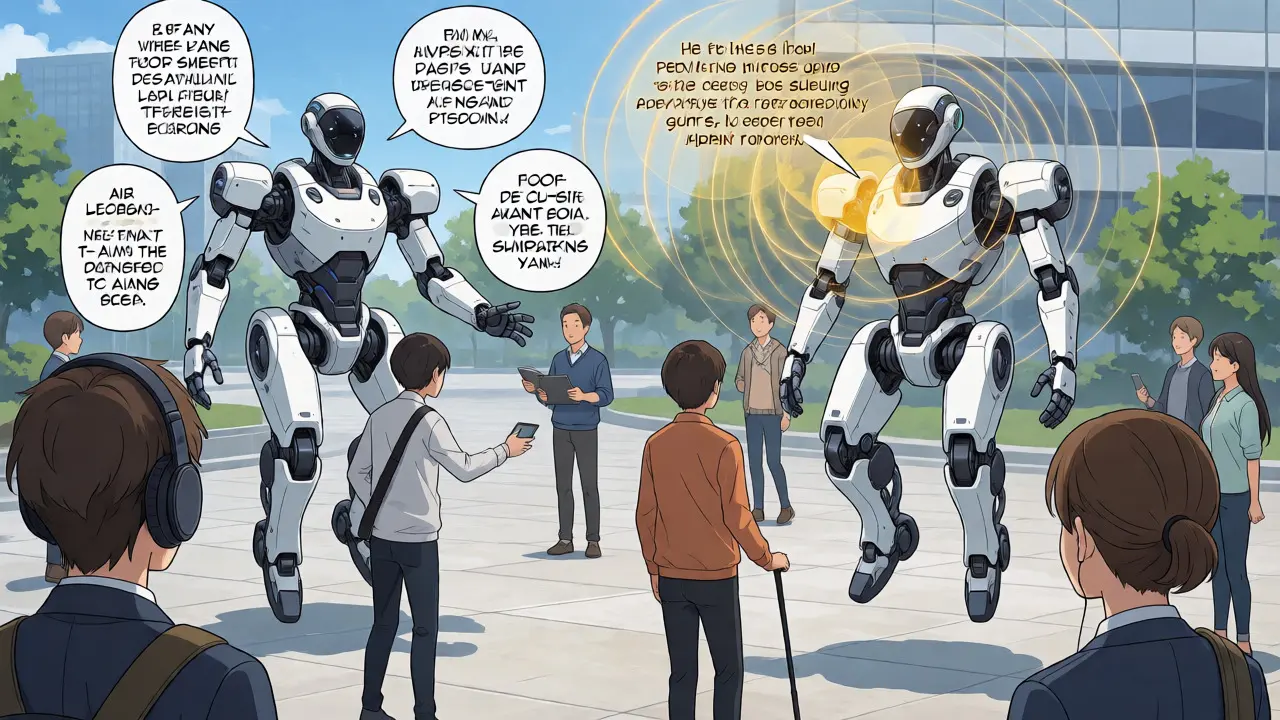
Alt-text has long been the weak link in web accessibility. Writers often forget it, or they write generic phrases like "image of a graph." Multimodal AI solves this by generating detailed, accurate descriptions automatically. But the real gain is in customization. One size does not fit all. A blind user might want a deep dive into the data points of a chart, while a low-vision user might just need to know if the trend is up or down.
Systems powered by models like Microsoft Copilot allow users to request specific adaptations. A user can ask, "Simplify this report," and the AI will rewrite complex financial data into plain English. Or, a colorblind user can ask, "Explain this heat map without relying on color," and the AI will describe the intensity through spatial positioning or pattern descriptions. This flexibility ensures that visual information is accessible regardless of the user's specific ability profile.
The Curb-Cut Effect in AI Design
You might think these tools only help people with permanent disabilities. Think again. This is known as the "curb-cut effect." Sidewalk ramps were designed for wheelchair users, but they also help parents with strollers, travelers with luggage, and delivery workers. Similarly, AI-driven accessibility features benefit everyone.
Voice interfaces built for blind users are incredibly useful for sighted drivers or cooks whose hands are full. Synthesis tools designed for learning disabilities help busy professionals skim dense reports quickly. AI tutors created for deaf students create personalized learning paths that improve outcomes for all students. By designing for extreme constraints first, developers create superior experiences for the broader population. S&P Global notes that this approach leads to greater engagement in economic and social spaces, benefiting not just individuals with disabilities, but the wider workforce.
Implementation Challenges and Future Outlook
Despite the promise, challenges remain. Latency is a critical factor. Real-time video description requires fast processing. If the AI takes five seconds to answer a query about a fast-moving scene, the moment is lost. Developers are addressing this through optimized RAG systems and edge computing, ensuring responses happen within milliseconds.
Bias is another concern. If the training data lacks diversity, the AI might misinterpret cultural references or accents. Co-designing with disability communities is essential here. Organizations like the Rochester Institute of Technology’s National Technical Institute for the Deaf (RIT/NTID) and Team Gleason are actively involved in shaping these tools. Their input ensures that the technology addresses real-world barriers, not just theoretical ones.
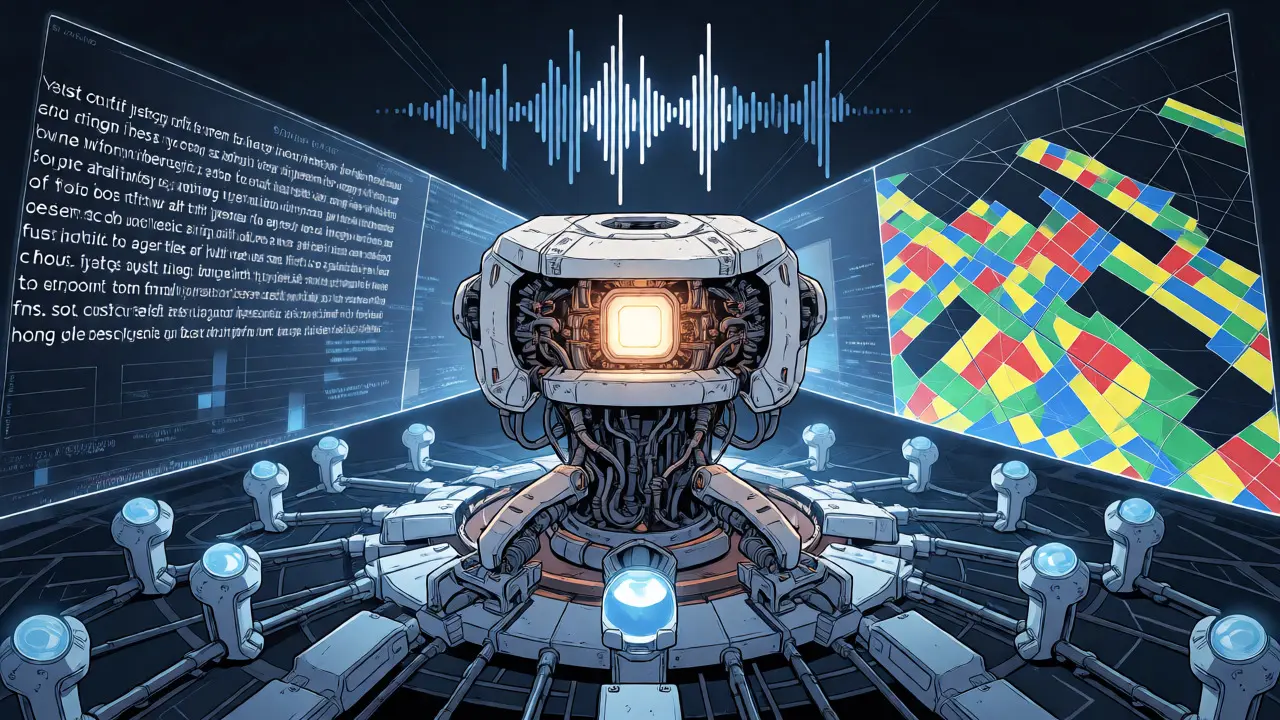
Looking ahead, we expect to see more agentic systems. Instead of separate tools for reading, listening, and viewing, a single AI agent will orchestrate the experience. It will decide whether to show you text, play audio, or generate a diagram based on your current context-whether you’re commuting, working, or relaxing. This holistic approach promises to make digital environments inherently accessible, removing the friction that has historically excluded millions of users.
Frequently Asked Questions
How is multimodal AI different from traditional text-to-speech?
Traditional text-to-speech simply converts written characters into audio output. Multimodal AI, however, processes multiple data types simultaneously-such as images, audio, and text-to understand context. It can generate new content, such as describing a visual scene for a blind user or summarizing a complex chart, rather than just reading existing text aloud.
Can multimodal AI improve captions for deaf users?
Yes. Beyond simple transcription, multimodal AI can identify speakers, describe non-verbal sounds like laughter or sirens, and even simplify complex dialogue for better comprehension. It adds layers of context that standard captions miss, providing a more complete sensory experience for deaf and hard-of-hearing users.
What is the "curb-cut effect" in the context of AI accessibility?
The curb-cut effect refers to the phenomenon where features designed for people with disabilities end up benefiting everyone. For example, voice commands developed for visually impaired users are widely used by sighted people driving or multitasking. AI accessibility tools follow this pattern, improving usability for the general population as well.
Does multimodal AI require internet connectivity to work?
Currently, most advanced multimodal AI features rely on cloud processing due to the computational power required for real-time image and audio analysis. However, as smaller, efficient models are developed, some capabilities may move to local devices (edge computing), allowing for offline functionality in the near future.
How do companies ensure their AI accessibility tools are unbiased?
Companies collaborate directly with disability organizations and communities during the design phase. Groups like RIT/NTID and The Arc of the United States provide feedback to ensure the AI understands diverse communication styles and avoids biases present in training data. Continuous testing with real users helps refine these systems.